Why Video Libraries Stay Unsearchable (Until You Transcribe Them)
Camera rolls and shared drives are full of conversations you cannot find again. Thumbnails show faces and rooms — not the words. Here's why that gap exists, and how transcripts close it.
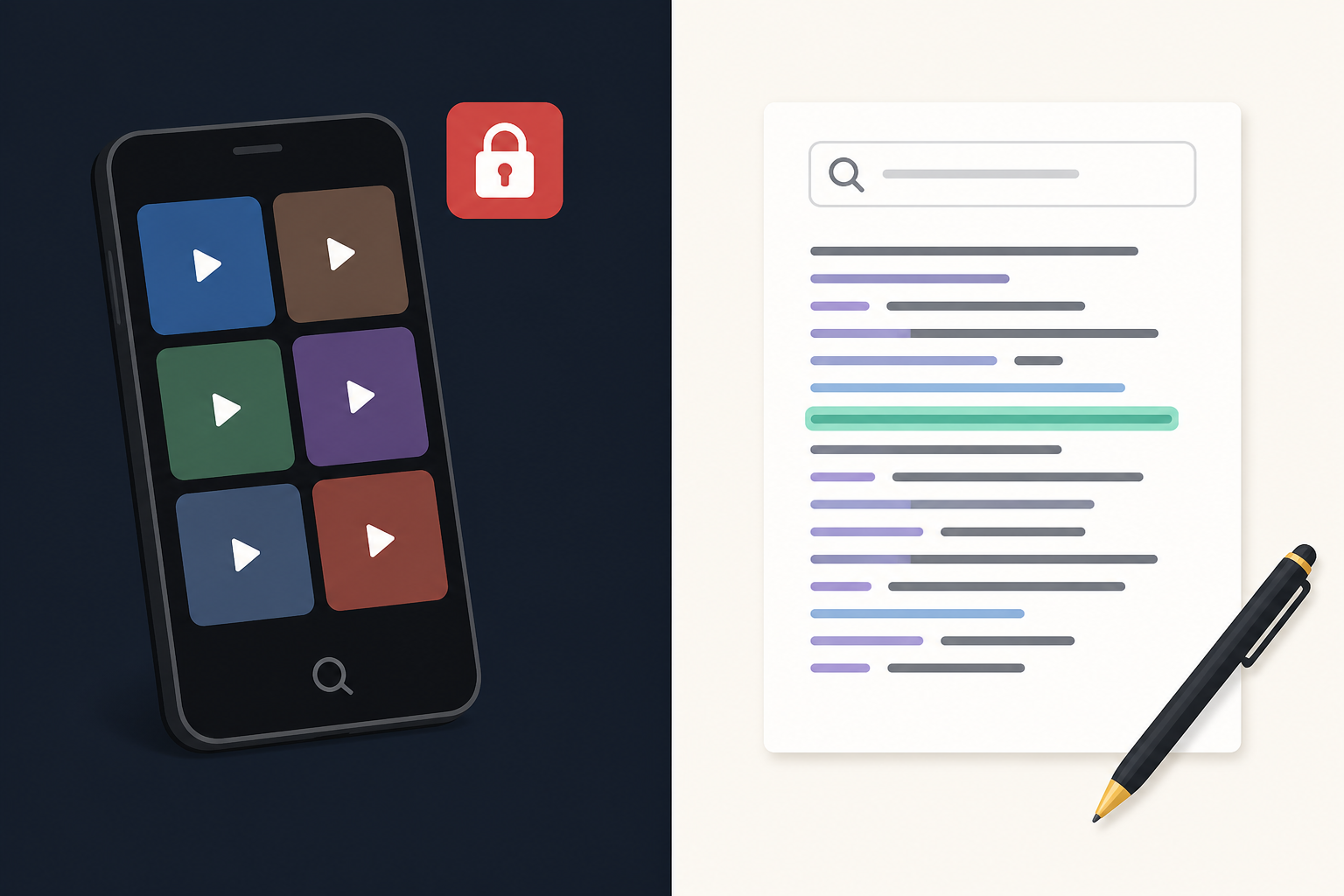
Open your camera roll. Scroll past the screenshots and the sunset photos. Count the videos: interviews, stand-ups, hallway clarifications, a lecture you swore you would revisit, a Zoom export you never opened again.
Those files are not empty. They are full of decisions, names, numbers, and half-finished thoughts. And almost none of that is findable.
You can search by date. Sometimes by location. You can scrub a scrubber until your thumb hurts. What you cannot do is type "what did we decide about the budget" and land on the right thirty seconds. Video libraries look like archives. Functionally, they are attics.
What a thumbnail actually indexes
A video file is optimized for playback, not retrieval. The system that stores it indexes metadata around the container:
- When it was recorded
- How long it is
- Which app wrote it
- Sometimes where you were standing
It does not index the spoken content. A face on a thumbnail is not a quote. A waveform is not a transcript. Until speech becomes text, the words inside the file are invisible to every search box you already use — Notes, Mail, Finder, Spotlight, Slack.
That is why people say "I'll remember which recording it was." Memory is a terrible index. After a week you remember the room. After a month you remember the vibe. After a quarter you open three wrong files and give up.
Why scrubbing feels like work
Listening at 1.5× is still listening. Your eyes are free, but your attention is not. You are scanning for a sound, not a phrase. Miss it and you rewind. Hit a stretch of silence or crosstalk and you speed through something you later need.
Reading is different. Skimming a page is cheap. Jumping to a heading is free. Highlighting a sentence creates an artifact you can paste into a brief. None of that works while the words are trapped in a media player.
The cost is not "I hate watching videos." The cost is that review time scales with duration, not with how much of the recording actually matters. A two-hour session with ten useful minutes still costs you a hunt.
The false comfort of "it's recorded"
Teams record everything now: meetings, customer calls, standups, webinars. Recording feels like insurance. It is only insurance if you can cash it in.
Without a transcript, "it's recorded" usually means:
- Nobody will rewatch the whole thing
- The person who needs the detail was not in the room
- Ownership of action items stays fuzzy
- The same discussion happens again next week
A recording that nobody opens is storage, not knowledge. The value shows up when someone can query what was said — not when the red light was on.
What "searchable" really requires
Searchable speech is not a smarter player. It is a second representation of the same event: a readable document.
That document should be:
- Plain enough to skim — paragraphs, not a wall of timestamps
- Faithful enough to quote — names, numbers, and commitments intact
- Portable — copy, TXT, or DOCX into whatever tool you already write in
- Decoupled from playback — useful even if the video stays on a drive you never open
Captions help people follow along while the video plays. They are not a personal archive. A transcript is the archive. Subtitles and transcripts solve different jobs; do not confuse a cue file with a searchable page.
Everyday places the gap shows up
Students. Lecture recordings pile up in iCloud. Exam week arrives. Scrubbing three hours of audio is not studying; a transcript you can highlight is.
Journalists and researchers. The quote you need is somewhere in a 47-minute interview. Without text, finding it is a second interview with your own recording.
Founders and operators. The customer said the exact objection on a call. Sales wants the wording. Support wants the workaround. Nobody wants to rewatch the call twice.
Creators. Raw footage holds dialogue you will reuse as a script, newsletter, or caption draft. Hunting by ear is how drafts slip a week.
Anyone with a phone. Voice memos and phone videos are personal knowledge that never enters your notes app — until they become text.
Close the gap without building a media empire
You do not need a digital-asset-management system. You need a habit: when a recording matters, make a document the same day.
A simple loop:
- Keep the video or audio as the source of truth for tone and proof.
- Transcribe it while you still remember who was speaking.
- Skim once for names, numbers, and decisions.
- File the text where you already search — Notes, Drive, Notion, email to yourself.
- Link back to the file only when the picture or tone still matters.
Do this for the recordings you would otherwise rewatch. Skip the ones you already know are disposable. The goal is not "transcribe everything." The goal is that the recordings you keep stop being mute objects.
How To The Text fits
To The Text turns video, audio, or live speech into readable text on your iPhone — then you copy or export. It will not organize your entire camera roll for you. It will turn the one conversation you need today into something Spotlight can find tomorrow.
If your library is already full of unsearchable conversations, pick one. Download To The Text on the App Store, transcribe it, and notice how fast "I think they said…" becomes a sentence you can paste.