iOS app — free to tryDownload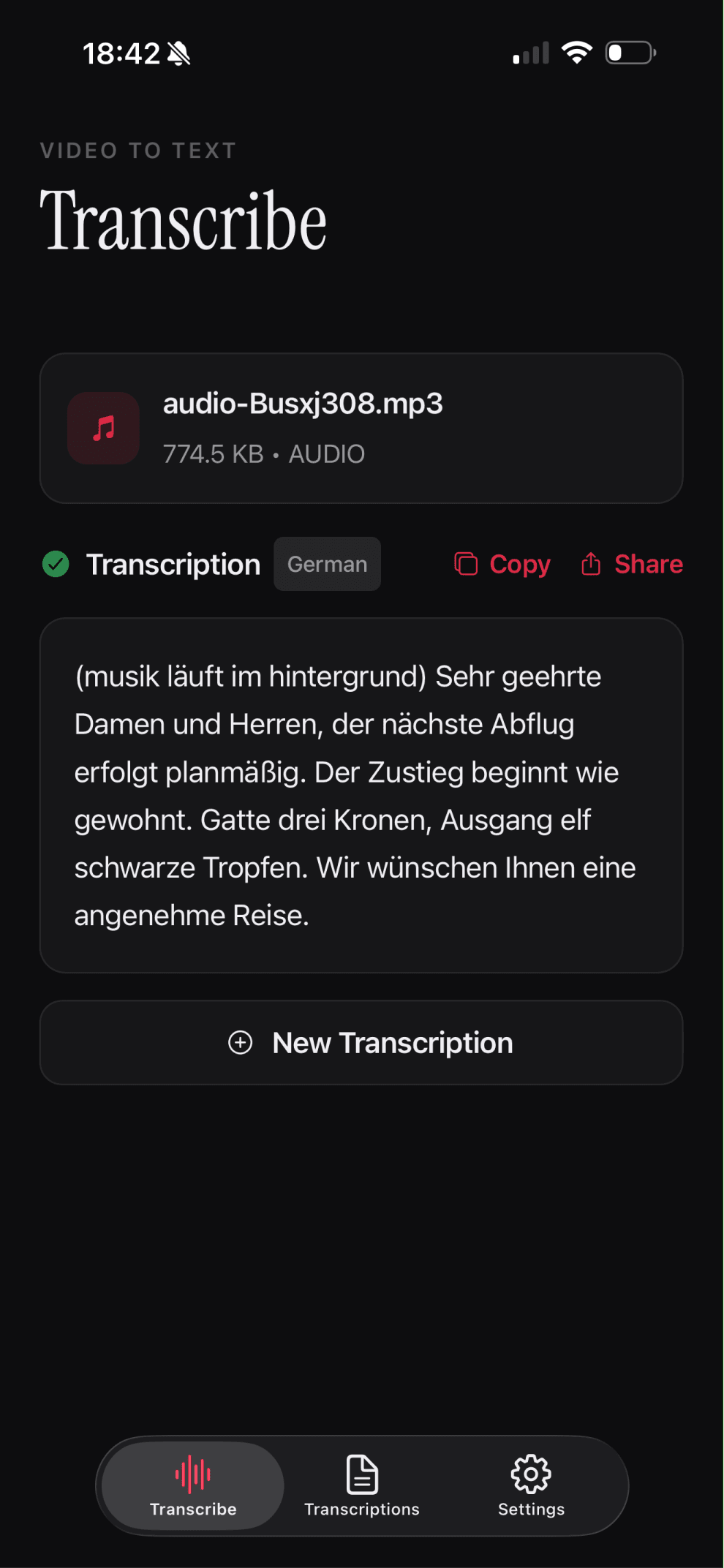
Turn any video, audio, or live voice into polished text in seconds
No complicated setup. No steep learning curve. Just fast, accurate transcription — ready to copy, share, or export the moment you need it.
under
60
s
to transcribe your first recording
supports
3
input sources — video, audio, and live voice
export as
2
formats — TXT and DOCX
one job
1
done exceptionally well — speech to text
Why To The Text?
Most transcription tools are buried inside bloated productivity suites demanding payment for features you'll never touch. To The Text does one job exceptionally well: converting speech into written words with speed and clarity.
The interface strips away everything unnecessary. Open the app, choose your source, receive your transcript. Deliberate, distraction-free, and direct.
What you can transcribe
Video files
Drop in footage from lectures, interviews, vlogs, or recorded calls.
Audio files
Convert podcasts, voice memos, and meeting recordings to text.
Live voice
Capture real-time speech directly through your microphone.
Clean output
Readable, structured transcripts — export as TXT or DOCX.
Simple by design
Open the app, choose your source, receive your transcript.
Built for speed
Convert your first recording in under a minute.
See how it works
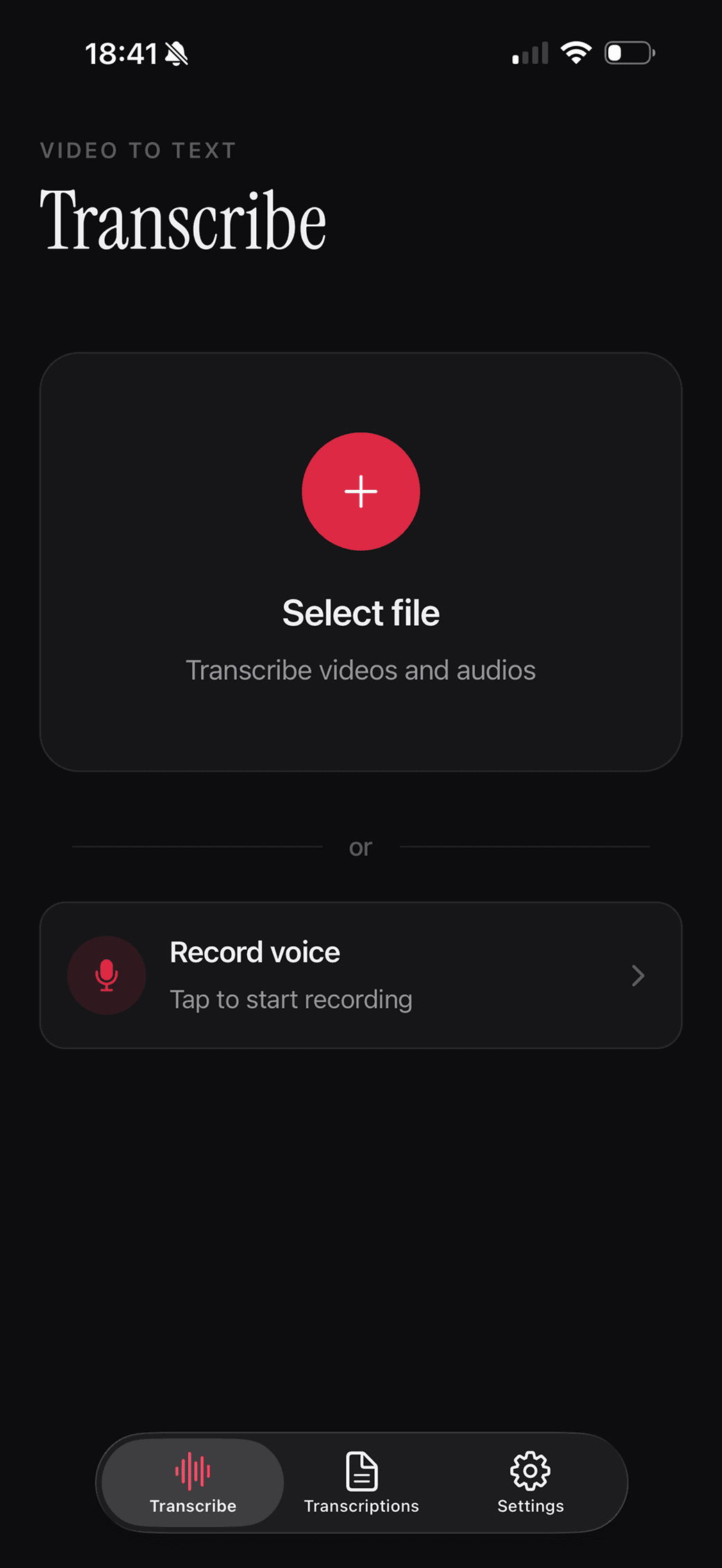
Start with any file or voice
Drop in a video or audio file, or tap to record live — no setup required.
Get clean text you can copy or share
Receive a readable transcript with language detection and one-tap copy or share.
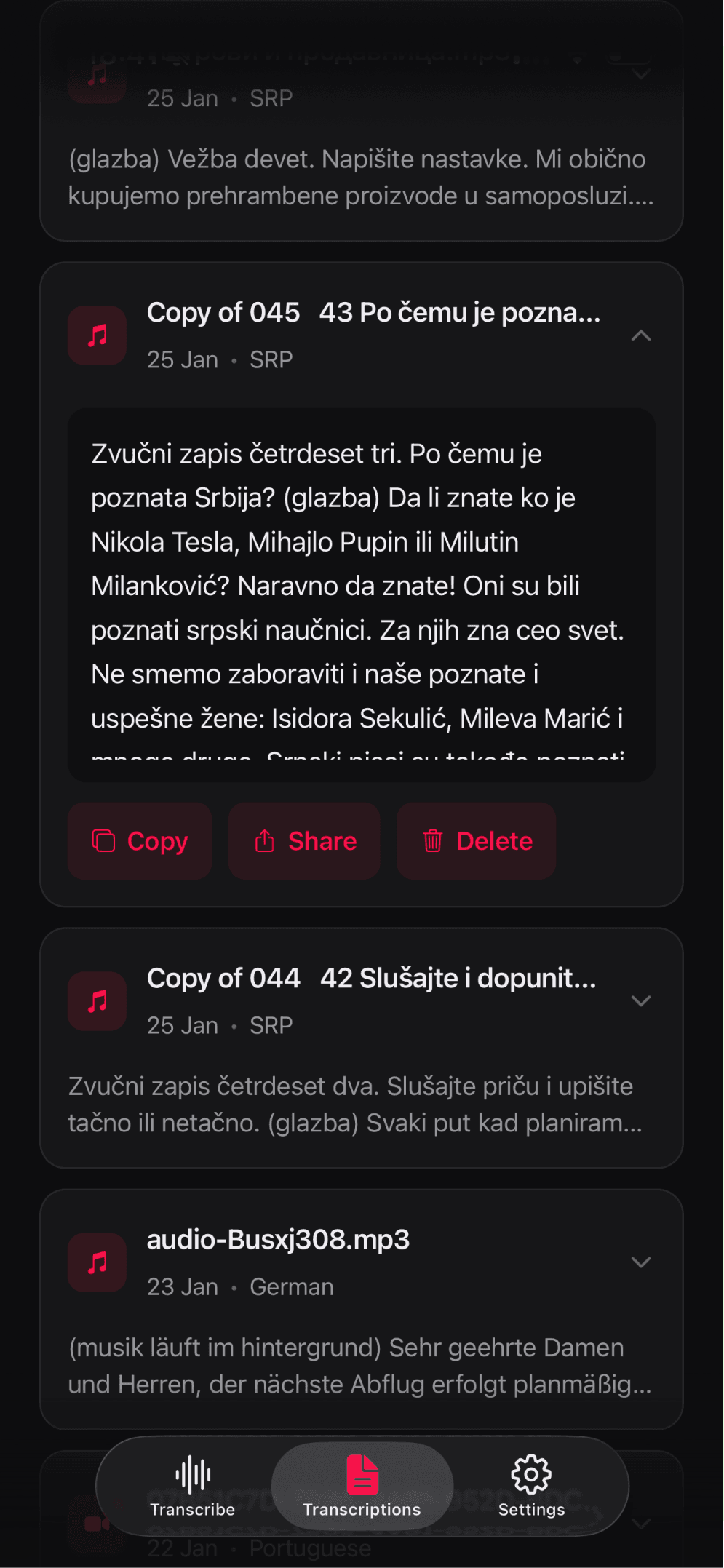
Keep transcripts organized
Every transcription is saved in your library — copy, share, or export anytime.
Built for real workflows
Students
Capture lecture content without scrambling to write every word.
Journalists
Pull exact quotes from raw conversations.
Content creators
Transform footage into polished scripts.
Professionals
Turn lengthy meetings into actionable summaries.
Writers
Dictate drafts without touching a keyboard.