Subtitles vs Transcripts: When You Need Captions vs a Readable Document
Captions ride on the video. Transcripts live as a document. Here's how to pick the right one for watching, quoting, searching, and reuse.
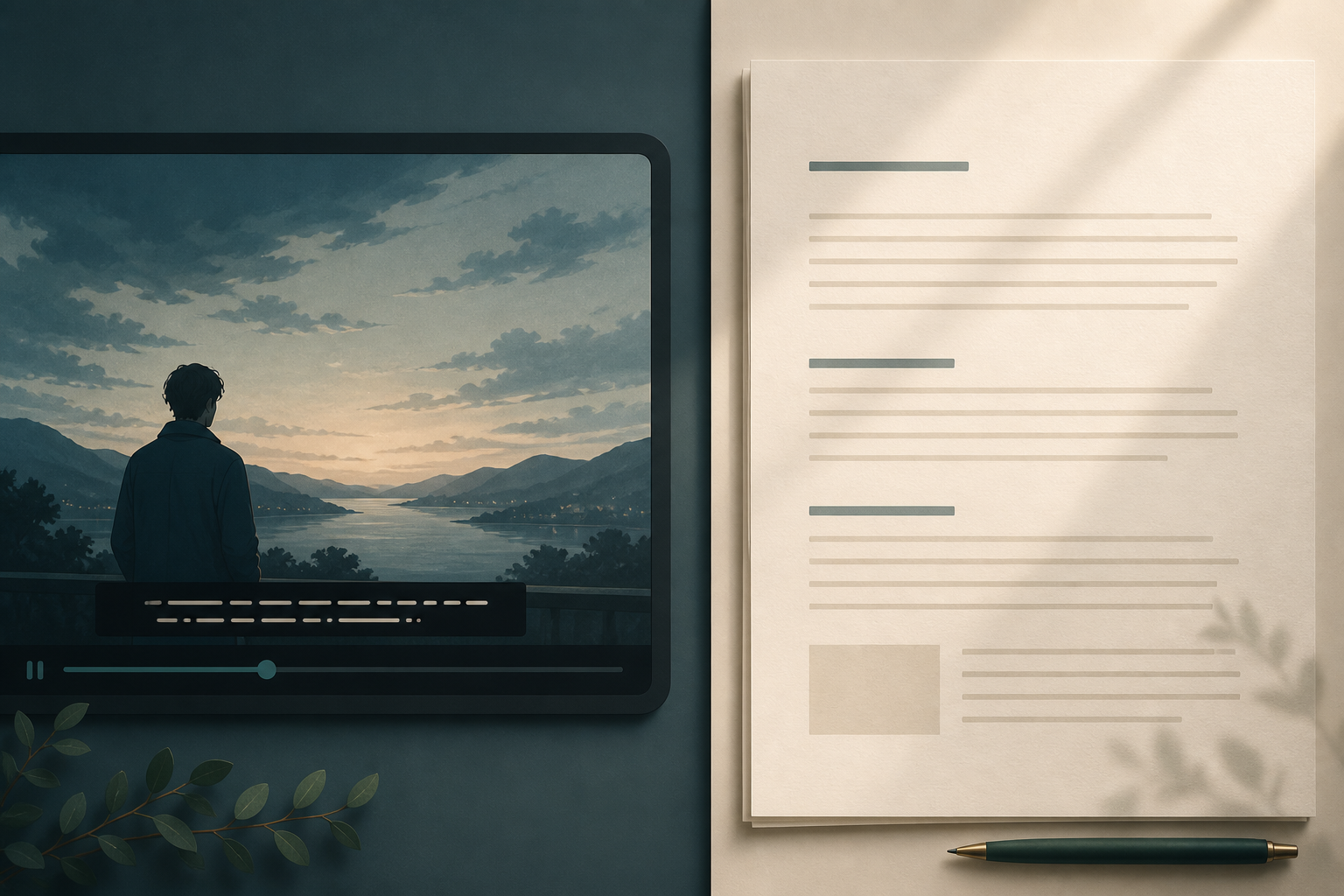
People treat subtitles and transcripts as the same thing because both are “the words from the video.” They are not the same job. One is a viewing aid locked to the picture. The other is a document you can read, search, and reuse without opening the file again.
Pick the wrong one and the work still exists — it just becomes painful. An .srt dumped into Notes is a mess of timestamps. A clean transcript pasted into YouTube as captions will not line up with anyone’s mouth.
The same words, two different products
Both start from speech. The product is different.
Subtitles and captions are timed lines on screen while the video plays. They exist so someone can follow along without (or in addition to) hearing the audio. They are short, paced, and gone the moment the scene moves on.
A transcript is a readable document of what was said. It exists so you can skim, quote, search, edit, and file the conversation. You should not need the video open to use it.
A useful test: if the words disappear when you look away from the player, you have captions. If you can hand someone a page and they can work from it, you have a transcript.
What captions actually do
“Subtitles” and “captions” get used interchangeably, but they solve slightly different problems:
- Subtitles usually carry dialogue, often for a language the viewer does not speak.
- Captions (especially closed captions) also flag non-speech audio:
[door slams],[laughter], speaker names when it is not obvious. - Open / burned-in captions are painted into the picture. Viewers cannot turn them off.
- Closed captions are a separate track. The player can show or hide them.
What they share matters more than the labels: they are time-aligned. A caption file (.srt, .vtt, and similar) is a list of cues — start, end, one or two short lines. Line length is a design constraint. People are watching. They cannot read a paragraph while a face is talking.
That is why good captioning splits sentences and holds a line long enough to read. The job is comprehension during playback.
What a transcript actually is
A transcript is the opposite shape: continuous text, paragraphs, maybe speaker labels. There is no two-line limit and no requirement that sentence 14 appear at 00:07:12.
You use a transcript when the video is the source and text is the working copy:
- Search for a phrase instead of scrubbing a timeline
- Pull a quote with a beginning and an end
- Turn a lecture into notes, or a meeting into minutes
- Draft a script or article from raw footage
- Keep a record you can file next to everything else you write
It should read like a document, not like a subtitle dump with the timecodes stripped.
If you want the mechanical walkthrough for getting that document off an iPhone recording, see how to transcribe a video to text.
When you need captions on the video
Choose captions when the words have to travel with the picture.
Someone is watching, not reading. Deaf and hard-of-hearing viewers, anyone in a noisy room, anyone watching on mute (most social video), and anyone who prefers text on screen. If the video is the product, captions are part of the product.
You are publishing. Platforms expect a caption track. Accessibility rules often require one. Burned-in text can work for short social clips; a closed track is the default for anything longer.
Timing is the point. A joke lands on a cut. A translated line has to match the speaker. A transcript in another tab cannot do that.
You need on-screen cues that are not dialogue. [music], [inaudible], speaker IDs in a crowded scene — those belong in captions because the viewer cannot rewind the sound.
Do not drop a transcript onto a video and hope the player figures it out. Players need in and out points.
When you need a readable document
Choose a transcript when the words have to live after the video.
You will quote it. Interviews, podcasts, expert talks. You need a sentence you can paste, not a cue you can screenshot.
You will search it. A 90-minute lecture is a bad table of contents. A transcript lets you find “standard deviation” in two seconds.
You will edit it. Notes, articles, scripts, and homework start as speech and become writing. Writing happens in a document.
You will share it with people who will not press play. A file they can open beats a 400 MB recording and a timestamp in Slack.
This is a different decision from “TXT or DOCX.” Those are export formats for the same transcript. Subtitles vs transcripts is about whether you need a timed overlay or a document at all.
Why each is a bad substitute for the other
Reading a caption file as notes is miserable. You get 00:01:04,200 --> 00:01:07,080 and line breaks in the middle of clauses. Useful for a caption editor. Useless as a reading copy.
A transcript on a video is not captioning. Without cues, the text never appears or appears as a wall. Auto-sync tools exist; they are a separate step, and they still need a pass for names and overlaps.
Burned-in captions are not an archive. You cannot search pixels or copy a quote without retyping.
A polished document does not help the person watching on mute. If the deliverable is the video, the document is homework for a different audience.
Keep both when both jobs exist. A published talk often needs a caption track and a page people can read later. Produce them as two outputs from the same recording.
A 30-second decision
Ask two questions.
- Does someone need to follow the words while the video plays? If yes, you need captions. Budget time for cueing and a pass for names, numbers, and overlapping voices.
- Does someone need to work with the words after they close the player? If yes, you need a transcript. Budget a readable paragraph pass, not line length.
If both answers are yes, do the transcript first. It is the source of truth for wording. Then cut that wording into cues — or send it to whoever owns captioning — instead of transcribing twice.
If you only need one, skip the other. A caption file is a poor personal archive. A transcript will not make a Reel readable on the subway.
Practical workflows
Lecture to notes. You need a document. Record the session (where that is allowed), transcribe the video, then edit the transcript into headings. Captions on the file only matter if you will rewatch it without audio.
Interview to article. You need a document you can quote. Keep the media as the record; work in the transcript. Add captions later only if you publish the interview as video.
Social clip. You need captions on the picture. Most viewers have sound off. A separate transcript is optional unless you are also turning the clip into a newsletter.
Team meeting. You need minutes, owners, and dates — a document. A caption track on the recording helps people who will rewatch; it does not replace notes.
How To The Text fits
To The Text is built for the document side: video, audio, or live speech in, readable text out, then copy or export. It will not replace a captioning pass, and it should not. Those are different files for different viewers.
If the job in front of you is “I need the words as a page I can use,” start there. Download To The Text on the App Store, transcribe the recording, and keep the video for the moments only the picture can prove.