What Is Audio Transcription and How It Works
What is audio transcription? Learn how spoken audio becomes editable text, when to use it, and what makes a transcript fast, clear, and useful.
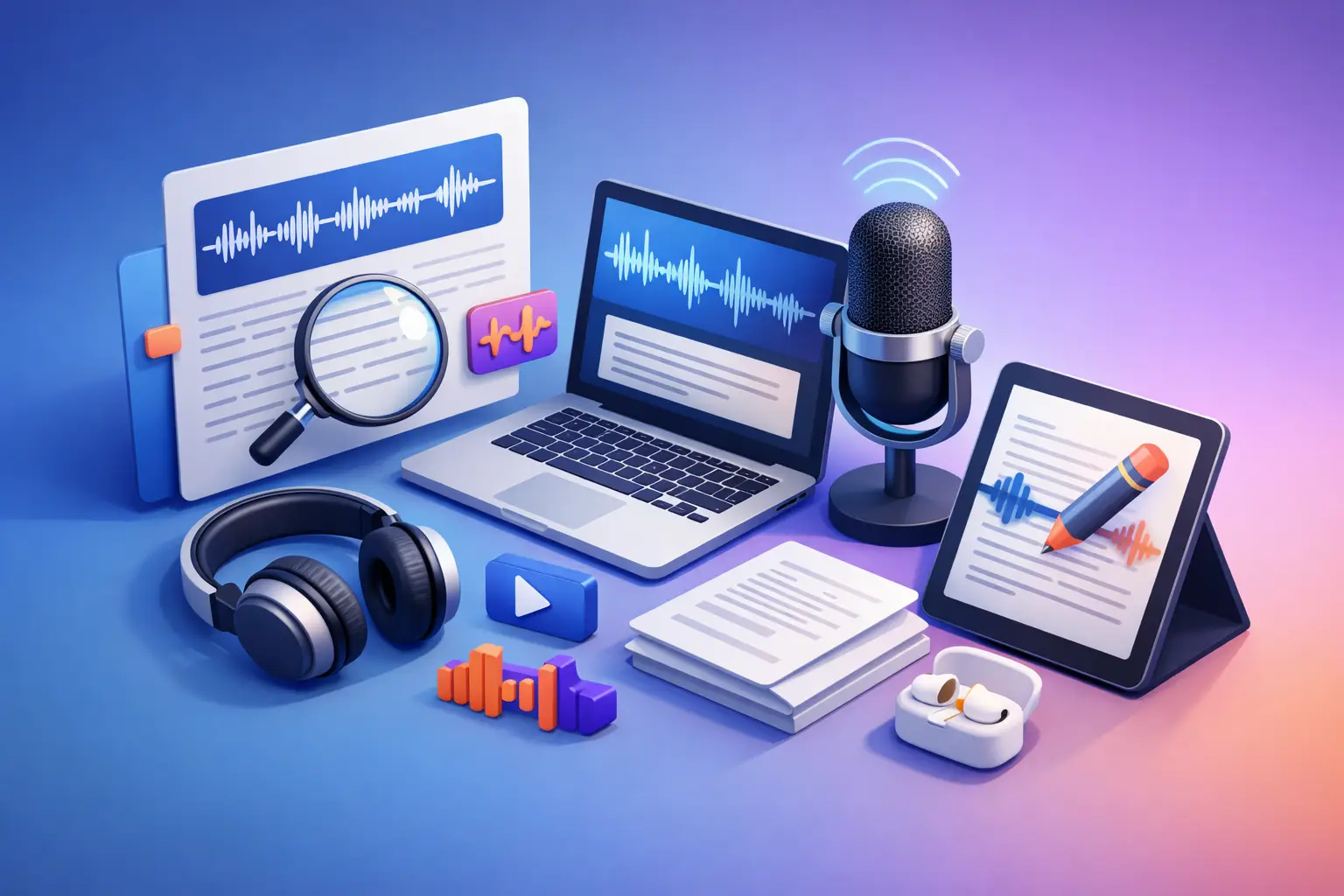
A missed quote in an interview, a half-written lecture note, a meeting recording nobody wants to replay - this is where audio transcription earns its keep. If you have ever wondered what is audio transcription, the short answer is simple: it is the process of turning spoken words from an audio recording into written, editable text.
That sounds basic. In practice, it saves hours.
For students, it means reviewing lectures without scrambling to type every sentence live. For journalists, it means getting to the quotes faster. For creators, it means turning podcasts and voice notes into scripts, captions, or drafts. For busy professionals, it means recorded meetings become something you can scan, share, and act on.
What is audio transcription?
Audio transcription is the conversion of recorded speech into text. The source can be almost anything with spoken content - interviews, lectures, meetings, phone calls, podcasts, memos, or dictated ideas.
The finished result is a transcript: a written version of what was said. Depending on the tool and the audio quality, that transcript may come out as a clean block of text, a speaker-separated conversation, or a lightly structured document you can edit right away.
The key value is not just that words become text. It is that speech becomes usable. Once spoken content is written down, you can search it, copy it, highlight it, quote it, summarize it, archive it, or export it into the format you need.
How audio transcription works
At a high level, the process is straightforward. You upload or record audio, the speech is detected, and the spoken words are converted into text. Then you review and edit as needed.
Behind that simple flow, transcription quality depends on a few variables. Clear audio usually produces better results than muffled recordings. One speaker is easier than five people talking over each other. A quiet room beats a coffee shop. Strong accents, industry jargon, and low recording volume can also affect accuracy.
That does not make transcription unreliable. It just means results are context-sensitive. If your source audio is decent, modern transcription tools can be very fast and very useful. If the recording is chaotic, expect to spend more time reviewing the output.
Manual vs automated transcription
There are two main ways to create a transcript: manual transcription and automated transcription.
Manual transcription means a person listens to the recording and types out what they hear. It can be highly accurate, especially for difficult audio, but it is slow. An hour of audio can take several hours to transcribe by hand. That is fine for high-stakes legal or research work. It is less appealing when you just need notes from a lecture by the end of the day.
Automated transcription uses speech recognition to turn audio into text much faster. In many everyday cases, it is the practical choice. You get a draft quickly, make a few corrections, and move on. For most users, that speed matters more than chasing perfection on the first pass.
This is why automated tools have become standard for everyday workflows. If your real goal is to study, write, publish, organize, or share, speed and editability are usually the priority.
Why people use audio transcription
Most people do not look for transcription because they love transcripts. They look for it because listening back is slow.
A 45-minute class recording takes 45 minutes to replay. A transcript can be scanned in a fraction of that time. You can jump to the exact section you need, pull a quote, or copy a paragraph into your notes. That changes how you work.
Students use transcripts to review lectures, build study guides, and catch details they missed in class. Journalists use them to pull clean quotes from interviews without rewinding audio ten times. Content creators turn spoken material into blog drafts, episode notes, scripts, and social copy. Professionals use transcripts to document meetings, recorded calls, and brainstorm sessions without assigning someone to take perfect notes live.
There is also a focus benefit. When you know speech is being captured, you can stay in the conversation instead of trying to write every word as it happens.
What makes a transcript useful
A transcript is only helpful if it is easy to work with. Accuracy matters, of course, but so does structure.
A good transcript is readable. It does not bury everything in one giant paragraph. It gives you clean text you can scan and edit without friction. Export options matter too. If you need to send notes to a classmate, share quotes with an editor, or drop meeting text into a report, editable formats save time.
This is where simple tools tend to win. If a transcription app makes you click through too many settings, dashboards, and side features, you lose the time you were trying to save. For most users, the best workflow is short: add the file, get the text, make quick edits, export.
What is audio transcription used for in real life?
The use cases are broad, but the pattern is consistent. Spoken content becomes easier to use when it becomes text.
A student records a lecture and later turns it into searchable notes. A freelance writer speaks rough ideas into a phone and gets a draft they can shape. A podcaster converts an episode into text for planning clips and written assets. A manager records a meeting and turns it into action points. A reporter transcribes an interview and pulls exact wording without risking misquotes.
Even voice notes become more valuable once they are written down. Instead of dozens of unlabeled recordings sitting in an app, you have text you can search, sort, and reuse.
Common limits and trade-offs
Transcription is useful, not magic.
If the recording has background noise, overlapping speakers, or unclear pronunciation, the output may need cleanup. If someone uses specialized terminology, product names, or proper nouns, those can come through imperfectly. Live speech transcription can also vary depending on microphone quality and how fast someone speaks.
There is also a difference between a raw transcript and a polished one. A raw transcript captures what was said. A polished version may remove filler words, fix punctuation, or lightly format the text for readability. Which one you need depends on the job.
If you are documenting an interview, you may want wording kept close to the original. If you are transcribing a brainstorm for internal use, readability matters more than every verbal pause.
How to get better transcription results
You do not need studio conditions, but a few habits help.
Use the clearest recording available. Keep the microphone close to the speaker when possible. Reduce background noise. Ask people not to talk over each other during important recordings. If you are dictating, speak naturally but clearly.
It also helps to treat the transcript as a first draft when needed. Fast transcription plus light editing is often the sweet spot. You still save substantial time compared with typing everything manually from scratch.
Choosing the right audio transcription tool
Not every user needs the same thing. Some need advanced collaboration features. Others just need accurate text without the extra weight.
For many students, creators, writers, and professionals, the best tool is the one that stays out of the way. It should handle common audio formats, support live speech capture if needed, produce text quickly, and let you export into standard formats you can actually use. Clean formatting matters. So does a simple interface.
That is the appeal of a focused app like To The Text. It is built for one job: turning video, audio, and live speech into editable text fast, without the clutter of a bigger software suite. If your priority is getting from recording to usable document with minimal friction, that kind of simplicity is not a small feature. It is the whole point.
What is audio transcription really buying you?
Time, first. Then flexibility.
Once speech is in text form, you are no longer tied to the pace of playback. You can scan instead of listen, edit instead of re-record, search instead of scrub through a timeline. That changes how quickly you can study, write, publish, document, and organize.
The best part is not the transcript itself. It is what the transcript lets you do next.
If you work with spoken content often, audio transcription is less of a nice extra and more of a basic productivity tool. The faster it gets out of your way, the more useful it becomes. Pick a process that is simple enough to use every time, and your recordings stop piling up and start turning into work you can actually use.