How to Do Audio Transcription Fast
Learn how to do audio transcription fast with clear steps, better accuracy, and simple tools for lectures, meetings, interviews, and notes.
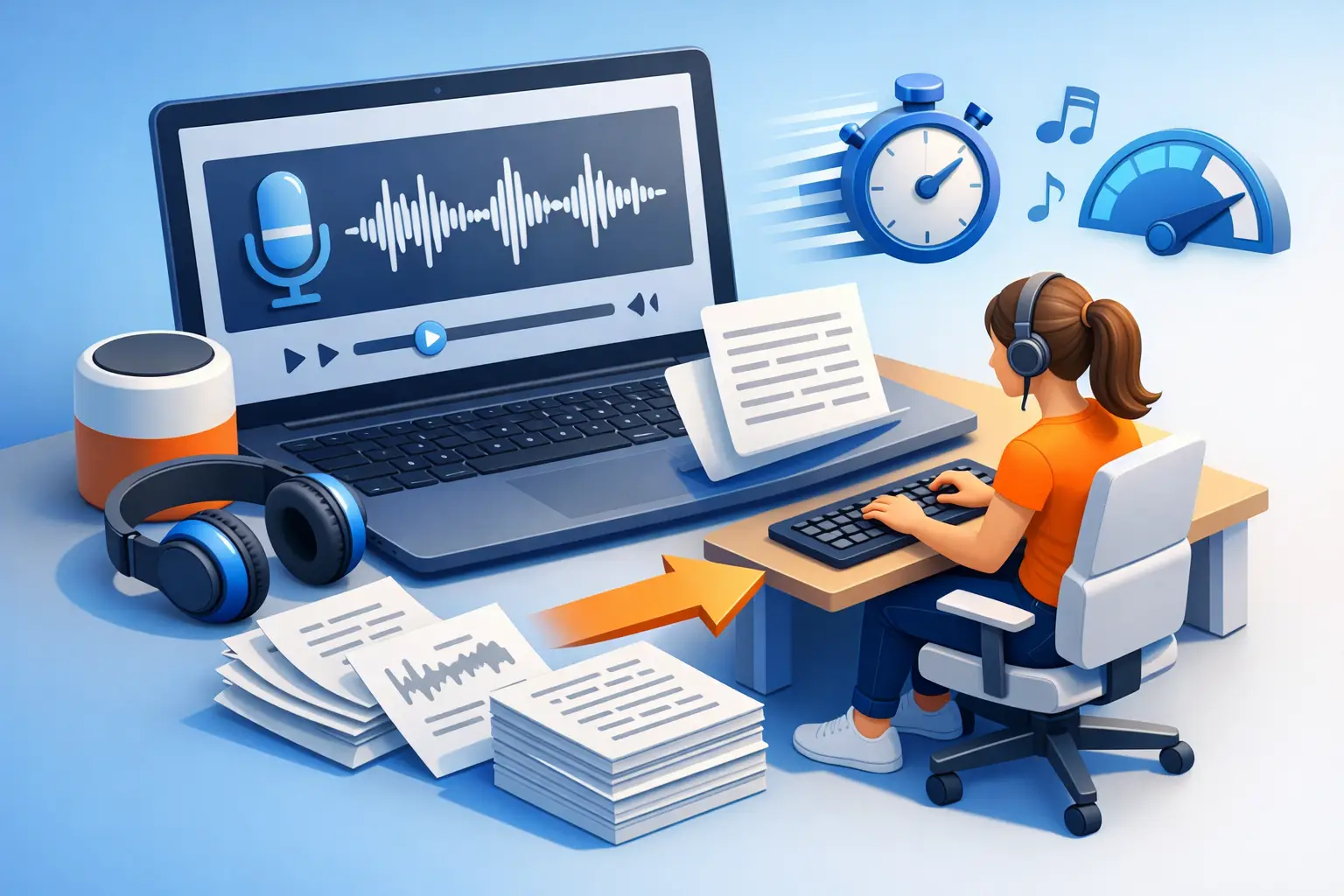
A one-hour interview can easily turn into three or four hours of typing if you do it manually. That is usually the moment people start looking up how to do audio transcription in a way that is actually fast, accurate, and usable.
The good news is you do not need a complicated workflow. You need clean audio, the right method, and an output you can edit right away. Whether you are transcribing a lecture, a meeting, a podcast clip, or a voice note, the goal is the same: turn speech into readable text with as little friction as possible.
How to do audio transcription without wasting time
There are two basic ways to transcribe audio. You can do it manually by listening and typing everything yourself, or you can use a transcription app to convert speech to text automatically.
Manual transcription gives you full control, but it is slow. It makes sense when the audio is short, highly sensitive, or packed with industry terms that need careful handling. Automatic transcription is the better choice for most people because it gets you to a draft fast. From there, you can review, fix names, clean up filler words, and export the final version.
For students, journalists, creators, and busy teams, that trade-off is usually worth it. Speed first. Then edit.
Start with the audio quality
If the recording is messy, the transcript will be messy too. Before you upload anything, listen to the first minute. Check for background noise, overlapping speakers, distance from the mic, and low volume.
You do not need studio-level sound, but clarity matters. A lecture recorded from the back of a large room will be harder to transcribe than a phone voice note recorded up close. A two-person interview in a quiet office will usually perform much better than a panel discussion in a coffee shop.
If you are recording new audio, keep the mic close, reduce room noise, and ask people not to talk over each other. Those simple choices save editing time later.
Pick the right transcription method
The best workflow depends on what you are transcribing and what you need at the end.
Manual transcription
Manual transcription works when precision matters more than speed. Legal notes, research interviews, and sensitive internal recordings sometimes fall into this category. You listen, pause, rewind, and type line by line.
The downside is obvious. It is slow, repetitive, and easy to lose momentum. If your main goal is getting usable text quickly, this is rarely the best first step.
Automatic transcription
Automatic transcription is the practical option for most day-to-day work. You upload an audio file or capture speech live, and the app generates editable text in minutes instead of hours.
This is the strongest fit for lectures, meetings, podcast drafts, dictated ideas, recorded calls, and routine interviews. The transcript may still need light cleanup, but the heavy lifting is already done.
How to do audio transcription step by step
A simple process beats an elaborate one. Here is the clean version.
1. Choose your source
Start with the audio you want to convert. This could be a saved file on your phone or computer, a recorded class session, an interview, a meeting file, or live speech through your microphone.
If you are working live, make sure you are in a reasonably quiet space. If you are uploading a file, confirm the recording is complete and playable before you start.
2. Run the first transcript
Use a transcription tool to convert the recording into text. With a focused app like To The Text, the process is built around speed: choose the file or microphone input, let the transcript generate, then move straight into editing.
At this stage, do not expect perfection. Expect a strong draft. That is what saves time.
3. Review for obvious errors
Read through the transcript once while listening to key sections. Fix names, dates, technical terms, and places where speakers were unclear. These are the areas where automated tools usually need a human check.
You do not always need a word-for-word polished transcript. For many users, clean and readable is enough. A student may only need lecture notes. A journalist may need quotes verified. A content creator may just want spoken ideas turned into editable copy. The final standard depends on the job.
4. Format for use
Raw text is not the same as usable text. Break large blocks into paragraphs. Correct punctuation where needed. Add speaker labels if the conversation includes more than one person. Remove filler words if you are turning speech into article drafts, summaries, or notes.
This step is where a transcript becomes practical. It should be easy to scan, edit, and reuse.
5. Export and share
Once the text is cleaned up, export it in a format that fits your workflow. TXT is great for plain text use. DOCX is better if the transcript is going into reports, drafts, or shared edits.
The best workflow ends with text you can actually do something with right away.
Where people lose accuracy
Most transcription problems are not caused by the tool alone. They usually come from predictable issues in the source audio.
Multiple people talking at once is a common one. Fast speech is another. Accents, jargon, poor microphone placement, and loud background noise can all reduce accuracy. Even a strong transcription app will struggle if the recording is chaotic.
That does not mean automatic transcription is not worth using. It means expectations should match the input. Clean audio gets better results. Messy audio needs more review.
When live transcription makes sense
Live transcription is useful when you need text as the conversation happens or right after it ends. This works well for meetings, brainstorms, classroom notes, dictated drafts, and quick spoken memos.
The advantage is speed. You capture ideas before they disappear and avoid the extra step of recording first and transcribing later. The trade-off is that live environments can be less controlled. If people interrupt each other or the room is noisy, cleanup may take longer.
For solo use, live capture is especially effective. If you are drafting thoughts, outlining content, or talking through notes, speaking naturally into your phone can be much faster than typing from scratch.
What a good transcript actually looks like
A good transcript is not just accurate. It is readable.
That means clear paragraphs, sensible punctuation, corrected obvious mistakes, and structure that matches the way you plan to use the text. If the transcript is for reference, near-verbatim may be right. If it is for writing, studying, or publishing, it often helps to clean up repetitions and verbal filler.
There is no single perfect format. A podcast producer, a student, and a sales manager will each need something different. What matters is whether the text is easy to work with.
Match the workflow to the job
If you are a student, you probably want fast lecture capture and notes you can review later. If you are a journalist, you need searchable interview text and quick quote verification. If you are a creator, you may want to turn spoken drafts into scripts, captions, or article material. If you work in an office, meetings and recorded calls are the obvious use case.
The common thread is simple: spoken content is only useful when you can turn it into text without slowing everything else down.
That is why stripped-down tools often work better than oversized software suites. When the process is just record or upload, transcribe, edit, export, you are far more likely to use it consistently.
The fastest way to get better results
If you want better transcripts tomorrow, do two things. Record cleaner audio and stop overcomplicating the process.
You do not need a big system. You need a reliable way to capture speech, convert it quickly, and clean the output without friction. For most people, that is the whole answer to how to do audio transcription well.
Start with the fastest draft you can get. Then spend your time improving the parts that matter. That is usually the difference between a transcript that sits untouched and one that actually gets used.