Video Dialogue Extraction for Faster Notes
Video dialogue extraction turns lectures, interviews, and meetings into editable text fast, so you can study, organize, and share easily without retyping.
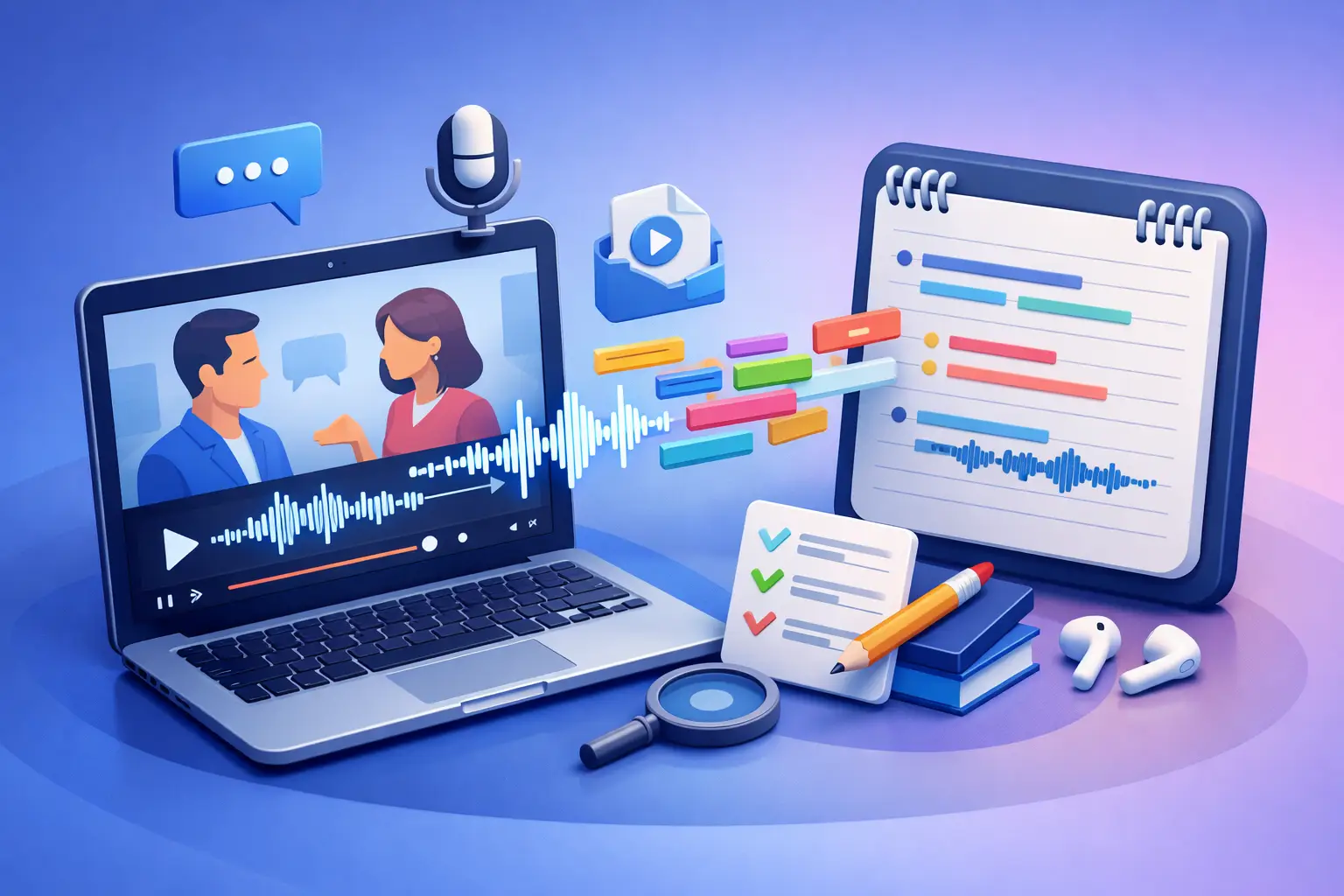
A 45-minute interview can hold one usable quote, three key facts, and a dozen follow-up questions. Finding them by replaying the same recording is slow. Video dialogue extraction turns the spoken track into editable text, so the useful parts are visible, searchable, and ready to work with.
That changes the job. Instead of taking frantic notes while a lecture plays or scrubbing through a recorded meeting, you start with a full written record. Then you can highlight, edit, organize, and export what matters.
What video dialogue extraction actually does
Video dialogue extraction is the process of converting speech in a video into written text. You upload a video, the spoken audio is transcribed, and you receive a document you can read and edit.
For most people, the goal is not to create a perfect word-for-word archive of every pause, filler word, and false start. The goal is usable text. A student needs lecture notes they can search before an exam. A journalist needs interview quotes they can verify. A creator needs a rough script from a video recording. A manager needs meeting decisions without writing them from memory.
The best workflow keeps the steps simple: choose the recording, create the transcript, review the important passages, and export the finished text. No sprawling workspace. No features that get between the file and the words.
Dialogue extraction is not the same as subtitles
Subtitles are built for viewers following a video in real time. They are usually broken into short, timed lines and may be restricted by screen space. That makes them useful for accessibility and playback, but less useful when you need to edit ideas into notes, an article, or a report.
A transcript is built for reading and reuse. You can copy a quote, turn a discussion into an outline, pull action items into a task list, or search for the exact moment someone mentioned a name or deadline. Timing can be helpful in some cases, but clean text is usually the priority when the next step is writing or organizing.
When extracting dialogue from video saves the most time
The value depends on the recording and what you need from it. Short clips with a clear script may be easy to handle manually. Long recordings, dense conversations, and recurring content are where transcription earns its place.
For students, recorded lectures often move too quickly for complete notes. Extracting the dialogue lets them listen for context during class, then return to the transcript to build study guides. They can search for a term, isolate an explanation, and rewrite the key points in their own words.
For journalists and researchers, video interviews create a verification problem. A transcript makes it easier to locate a statement, check the language around it, and compare answers across multiple conversations. It does not replace careful fact-checking, but it makes the raw material far easier to handle.
For creators, a recorded video can become more than one piece of content. The transcript can support a caption draft, blog outline, newsletter section, social post, or future script. That does not mean every spoken sentence should be published. Spoken language needs editing. But it gives you a fast first draft built from what you already made.
For working professionals, recorded calls and training sessions contain decisions that disappear once the meeting ends. A written transcript gives teams a way to identify commitments, clarify next steps, and preserve details without relying on one person's notes.
How to get cleaner video dialogue extraction
Transcription quality begins before you upload anything. Clear speech produces cleaner text. A quiet room, a microphone close to the speaker, and one person talking at a time will usually make a bigger difference than any editing trick afterward.
If the recording already exists, do not let imperfect audio stop you. Most real recordings include background noise, interruptions, and people speaking naturally. Just set the right expectation: a transcript is a fast working document, not proof that every word is correct. Names, industry terms, numbers, and overlapping dialogue deserve a quick review.
Start with the best source file
Use the original video file when possible. It normally has better audio than a screen recording, a forwarded clip, or a video downloaded and re-uploaded several times. If you have separate audio from the same session, compare it first. The clearer source will give you a better transcript.
Also check that the recording contains the full conversation. A transcript cannot recover dialogue that was cut off, muted, or never captured. If a meeting has several segments, keep the files labeled clearly so the finished text stays easy to trace.
Review for meaning, not every comma
After transcription, scan the text with a purpose. Correct the details that could change meaning: proper names, product names, dates, measurements, prices, and direct quotes. If two people are talking, make sure the speaker changes are clear enough for your use.
Do not waste time polishing every casual phrase if you only need notes. A lecture transcript can stay rough while you pull out definitions and examples. An interview intended for publication needs a closer edit. The right level of cleanup depends on where the text is going next.
A simple workflow from video to usable text
The fastest process is the one you will actually repeat. Start by naming the file before upload. A clear name such as “Client Interview May 14” or “Biology Lecture Chapter 6” prevents confusion when you return to it later.
Next, transcribe the video and read the output once from top to bottom. This first pass is for orientation. Mark the places where a decision was made, a strong quote appeared, or an idea needs follow-up. Then make only the corrections that matter for your goal.
Finally, move the text into the format that fits the work. TXT is useful for plain text, quick copying, and lightweight notes. DOCX is a better fit when the transcript needs headings, comments, formatting, or collaboration. To The Text keeps this process focused: upload or capture speech, turn it into readable text, then export it when you are ready to use it.
A transcript should not become another file you never open. Give it a job. Turn a meeting transcript into a short decision record. Turn a lecture transcript into questions for review. Turn an interview transcript into a quote bank. Turn a draft video into a written outline before you record the next version.
Common mistakes that make transcripts less useful
The first mistake is treating the transcript as finished writing. Speech is often repetitive and incomplete on the page. People change direction mid-sentence, use filler words, and refer to things the listener can see but the reader cannot. Edit for the audience before sharing it broadly.
The second is extracting everything without a plan for finding it later. If you process a large number of recordings, use consistent file names and add a short label to each exported document. A simple system is enough: date, subject, and source. Search works best when the files are not all called “video final.”
The third is ignoring privacy. Recordings can include personal information, client details, internal conversations, or material that should not be shared. Make sure you have permission to record and transcribe where required, and choose carefully who receives the exported text. Fast access to words is valuable. Responsible handling still matters.
Use the transcript to think, not just archive
The real advantage of video dialogue extraction is not that it creates more documents. It makes spoken information usable after the moment has passed. You can return to an idea without replaying an hour of video. You can compare answers, spot gaps, and turn a loose conversation into work that moves forward.
Start with the next recording you would otherwise postpone. Get the words out of the video, make a few useful edits, and put the text where it can help you act.