Interview Transcription for Journalists
Interview transcription for journalists saves reporting time, improves accuracy, and turns raw audio into clean copy you can quote, edit, and publish.
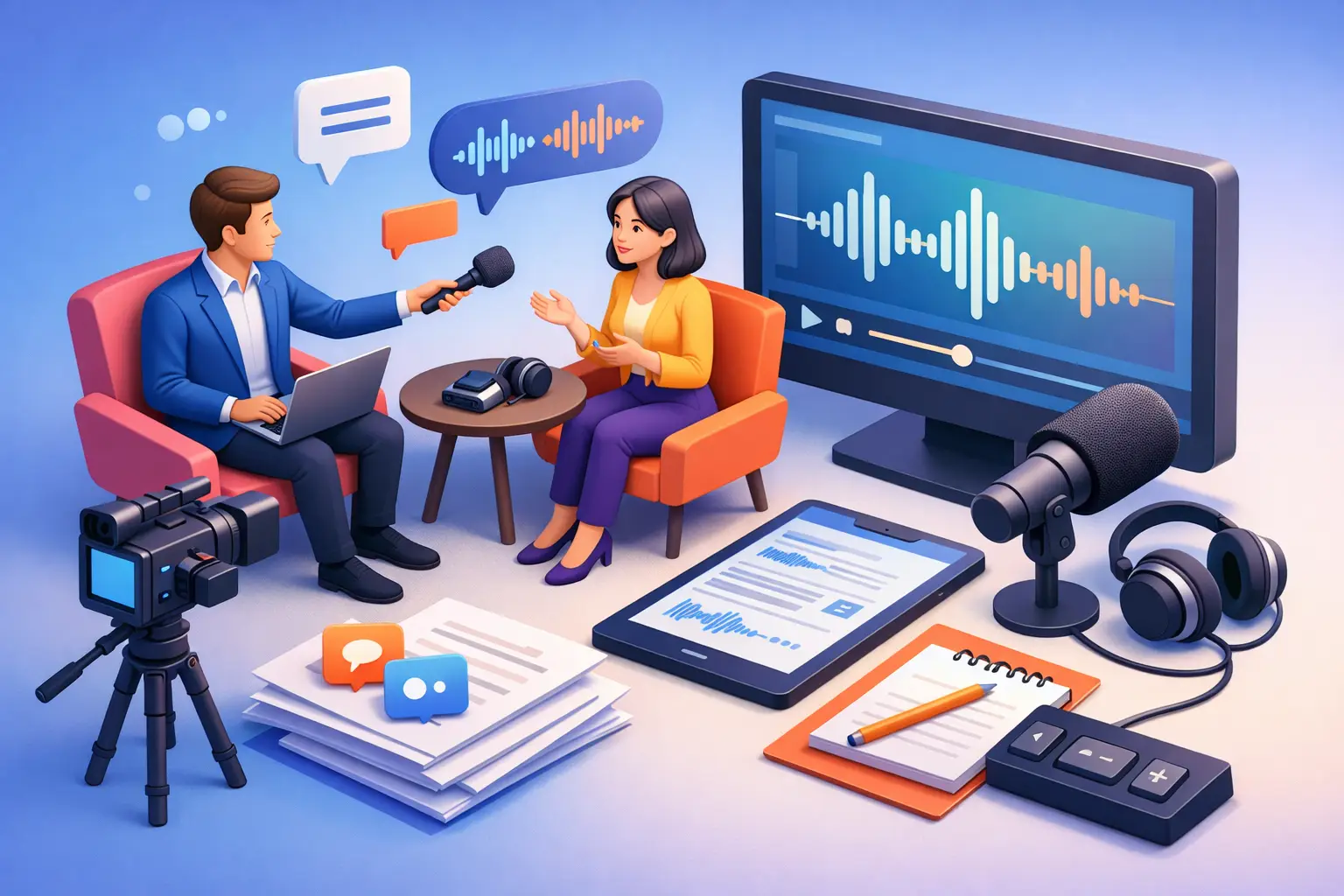
A missed quote can derail a clean draft fast. You remember the point, but not the exact wording. Then you scrub through 47 minutes of audio looking for one sentence you should have had on the page already. That is why interview transcription for journalists is not a nice extra. It is part of a faster reporting workflow.
For reporters on deadline, transcription is less about convenience and more about control. You get searchable text, cleaner quote selection, and a better view of what the interview actually said. That matters when you are writing a tight news piece, building a long-form feature, or checking whether a source contradicted themselves halfway through the call.
Why interview transcription for journalists saves real time
Journalists do not just "need a transcript." They need usable text. There is a difference.
Raw audio forces you to work linearly. You have to listen from one point to the next, pause, rewind, and hope your notes captured enough context. A transcript changes that. You can scan, search, copy, highlight, and compare sections without replaying the entire interview every time you need one phrase.
That shift speeds up more than writing. It helps during fact-checking, quote approval workflows when required, editorial review, and follow-up reporting. If you interviewed three people on the same topic, transcripts also make it easier to group themes. You can see who said what about cost, policy, hiring, public reaction, or timeline without relying on memory.
There is also a quality benefit. Reporters often jot down partial quotes in the moment and plan to verify them later. Under pressure, "verify later" can turn into "close enough." A transcript gives you a stronger record. It reduces the risk of misquoting a source, softening their language, or missing the part of the answer that gave the quote its real meaning.
Where journalists get stuck with transcription
The problem is not whether transcription helps. The problem is friction.
Manual transcription is slow. It can take several hours to transcribe one hour of audio if you do it yourself. That may be manageable for one interview a week. It is not manageable when you are juggling multiple sources, same-day stories, and last-minute edits.
Traditional transcription workflows can be just as frustrating. Some tools are overloaded with features most reporters do not need. You open the app and get project boards, team dashboards, content calendars, or editing layers that belong in other software. If your job is to turn speech into text and move on, that extra weight gets in the way.
Accuracy is another sticking point. Not every interview is recorded in a quiet studio. Journalists work with phone calls, street noise, crosstalk, weak connections, accents, and fast answers from sources who do not wait for perfect conditions. No transcription method is flawless in every setting, which is why speed and editability matter almost as much as raw recognition quality. If the text is fast to generate and easy to clean, the workflow still works.
What good interview transcription for journalists looks like
A useful transcription setup should do three things well. It should capture speech quickly, turn it into readable text, and let you export that text without adding more work.
That sounds basic, but it is often where tools fail. Some produce messy blocks of text that take too long to fix. Others make you spend too much time uploading, organizing, renaming, or converting files before you can even start reviewing the interview.
For journalism, structured output matters. You want text that is easy to scan, easy to quote from, and easy to move into your draft or notes. If you are transcribing a recorded interview, file-based upload should feel fast. If you are capturing a live press conference, phone interview, or in-person conversation, live speech capture can be even more useful.
Simple export matters too. TXT works when you want clean plain text for quick copying. DOCX helps when you need a more familiar file for editing, sharing with an editor, or saving into a reporting archive.
How to use transcription without slowing down your reporting
The best transcription workflow is the one that disappears into your process.
Start with the cleanest audio you can get, but do not chase perfection. A decent microphone, a quiet room when possible, and clear speaker placement help. Still, reporters rarely control every variable. The goal is not studio audio. The goal is speech clear enough to turn into text you can work with.
Once the interview is recorded, transcribe it as early as possible. Waiting until draft time creates a bottleneck. If you have the text soon after the interview, you can mark key quotes while the conversation is still fresh in your mind. You can also spot holes sooner and decide whether you need a follow-up call.
As you review the transcript, do not edit every line into polished prose. That is not the point. Clean up speaker names, fix obvious recognition errors, and highlight the sections that matter. Journalists need retrieval more than perfection. You want to find the strong quote, the revealing aside, or the specific number without digging through a wall of text.
It also helps to separate three things in your notes: direct quotes, paraphrasable background, and facts to verify independently. A transcript supports all three, but they serve different purposes in the story. Keeping them distinct reduces confusion later when you are drafting under pressure.
When transcription is most valuable in journalism
Interview transcription is especially useful when the reporting load is heavy or the material is sensitive.
For long interviews, it prevents the common problem of only using the quotes you happened to write down in the moment. For investigative work, it gives you a searchable record that can surface patterns across multiple conversations. For profile writing, it helps you preserve voice. The exact rhythm of how someone answers often matters as much as the content of the answer.
It is also valuable in fast news environments. If a source gives you a complicated answer about funding, legal exposure, or public safety, you do not want to rely on rough notes. You want the wording in front of you. The same goes for press briefings and recorded statements. A transcript lets you move faster without cutting corners.
There is a strong case for transcription in multimedia work as well. If you are writing a story from a video interview, a podcast segment, or a recorded panel, text makes the content usable across formats. You can pull quotes for the article, captions for social posts, and notes for follow-up reporting from the same source file.
The trade-offs journalists should keep in mind
Transcription helps, but it is not automatic truth.
Speech recognition can miss names, industry terms, place names, and low-volume responses. It can flatten sarcasm, miss interruptions, or confuse speakers in overlapping conversation. That means the transcript should support reporting, not replace reporting judgment.
There is also a practical trade-off between speed and cleanup. A fast transcript gets you moving quickly, but you still need a quick review before publishing direct quotes. For many journalists, that is a good trade. You save hours on first-pass transcription and spend minutes verifying the lines you plan to use.
Privacy and source sensitivity matter too. Not every interview should be handled the same way. If you are working with vulnerable sources, embargoed information, or legally sensitive material, your transcription workflow should match the level of care the reporting requires.
A simpler way to handle interview transcription for journalists
For most reporters, the best tool is the one that does the job fast and stays out of the way. That is the appeal of a focused transcription app like To The Text. You can turn recorded audio, video, or live speech into editable text without stepping into a bloated workspace built for ten other jobs.
That matters when you are between interviews, filing from the field, or trying to clean up notes before the next deadline. Fast capture, readable output, and straightforward export are not flashy features. They are the features that save time.
Journalism already has enough moving parts. Your transcription process should not be one of them.
A good transcript will not write the story for you. It will give you something just as valuable: a clearer path from interview to publishable copy, with fewer missed quotes and less wasted time.