Speech to Text vs Transcription Explained
Speech to text vs transcription: see what each does, when to use live capture or file conversion, and how to get clean, editable notes fast.
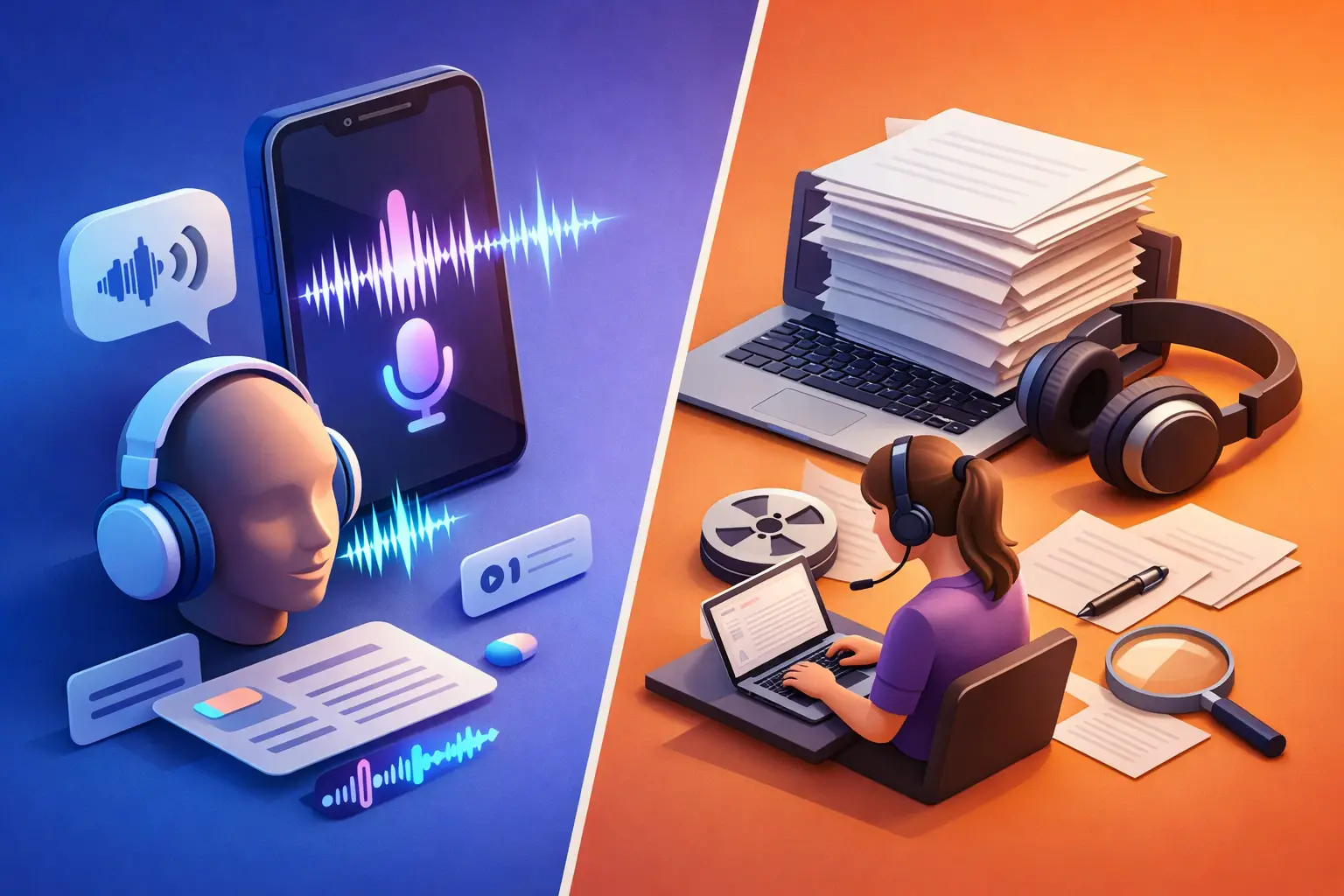
A professor is halfway through a lecture. An interview subject has just made the quote you need. Your manager is talking through next steps on a call. In each case, speech to text vs transcription can sound like a technical distinction. In practice, it changes how quickly you get usable notes and how much cleanup comes next.
Both turn spoken words into written text. But they serve different moments. Speech to text is built for capture as someone speaks. Transcription is usually built for converting a recording after the fact. Knowing which one you need keeps a simple task from becoming a slow workflow.
What speech to text means
Speech to text converts live speech into text while you talk. You speak into a microphone, and words appear on screen in near real time. Think dictated emails, rough draft ideas, live meeting notes, or a student recording key points during office hours.
The main benefit is immediacy. There is no recording to locate later, upload, and wait to process. You can see the text as it is captured, pause to correct a name, or stop once you have the note you need.
Live capture works best when the speaker is close to the microphone and the goal is speed. A writer dictating an outline does not need a formal transcript with polished speaker labels. They need their idea out of their head and into an editable document before it disappears.
That said, live speech to text has limits. It can struggle with room noise, people talking over each other, weak internet connections, and terms the system has not heard clearly. It also requires you to be present while the speech happens. You cannot use live capture to process last week's recorded interview.
What transcription means
Transcription converts an existing audio or video file into written text. The source might be a lecture recording, a podcast episode, a Zoom meeting, a voice note, a recorded call, or footage from a video shoot.
Instead of trying to type while the audio is playing, you upload or select the file and receive a transcript you can read, search, edit, and share. That changes the work. A 45-minute interview becomes a document you can scan for quotes. A recorded lecture becomes notes you can review before an exam. A team meeting becomes a written record for people who could not attend.
Transcription gives you more flexibility because the audio already exists. You can process it when you are ready, not only while people are speaking. It is also the better choice when you need to revisit details, pull sections into a report, or turn spoken material into a first draft.
Not every transcript needs the same level of polish. A creator may only need enough accuracy to find clips and write captions. A journalist may need to verify every quote against the original recording. The right standard depends on what the text will be used for.
Speech to text vs transcription: the practical difference
The simplest way to separate the two is timing. Speech to text captures the present. Transcription processes the past.
Speech to text starts with a microphone. Transcription starts with a file. Speech to text helps you create text while ideas or conversations are happening. Transcription helps you turn audio and video you already have into material you can use.
The distinction also affects your workflow. With live speech capture, you may make quick corrections as you go. With transcription, you usually review the finished text afterward, correct key details, and organize it for the next task.
Neither option is automatically better. The better option is the one that removes the most work from the moment you are in.
If you are walking between classes and need to save a thought, use speech to text. If you have a two-hour lecture saved on your phone, use transcription. If you are hosting an interview live, you might use speech to text for rough notes, then transcribe the recording afterward for quotes and a full archive.
Choose based on the job, not the label
Students often need both modes. Live speech capture is useful for quick study reminders, dictated questions, or notes after class. File transcription is more useful for recorded lectures, group project discussions, and presentations that move too fast to type manually.
Journalists and researchers usually lean toward transcription for interviews. A complete transcript makes it easier to search for a statement, compare exact wording, and build a story without replaying the same audio repeatedly. Live speech to text can still help during a press event when you need fast working notes before the full recording is available.
For content creators, transcription turns video and podcast audio into raw material. It can speed up captions, show notes, newsletters, blog drafts, and short-form clips. The transcript is not the finished content. It is the editable starting point that makes repurposing less tedious.
Working professionals may use speech to text to dictate a follow-up after a meeting, then use transcription for the meeting recording itself. This keeps action items from getting lost while creating a searchable record of the conversation.
Accuracy is useful only when the text is usable
People often ask which option is more accurate. The honest answer is that accuracy depends more on the source than on the label.
Clear speech, a close microphone, limited background noise, and one speaker at a time produce better results. Heavy accents, industry jargon, poor audio, crosstalk, and people speaking quickly add more room for mistakes. A live capture session may have fewer chances to recover a missed phrase. A recorded file can be replayed and checked against the audio when precision matters.
Treat automated text as a strong first pass, not a reason to stop thinking. Review names, numbers, dates, technical terms, and direct quotes. Those details carry more risk than a missing filler word. For casual notes, a quick scan may be enough. For published work, legal records, academic research, or client-facing documents, plan time for a closer edit.
Readable formatting matters here too. A wall of text is technically a transcript, but it is not easy to use. Paragraph breaks, clean punctuation, and editable output make the difference between text you save and text you actually work from.
A faster workflow from audio to finished text
Start by deciding whether the audio is happening now or already recorded. That one choice tells you whether to open live capture or select a file.
For live speech, speak in short, clear phrases when possible. Keep the microphone close and reduce noise around you. If a name or number is critical, say it carefully, then check it on screen before moving on.
For recorded audio or video, use the cleanest source available. A direct recording is usually better than audio captured from across a room. Once the transcript is ready, do one focused review for the details that matter to your goal. Then export it in the format you need, such as TXT for simple sharing or DOCX for editing and formatting.
This is where a focused tool earns its place. To The Text is designed for both file-based transcription and live voice capture, without making you sort through unrelated project boards, chat features, or complicated setup screens. The point is simple: get from spoken words to editable text, then move on with your work.
Do not force one tool into every situation
Using transcription for a 20-second idea can create unnecessary steps. You record it, save it, find it later, then convert it. Live speech to text is usually faster.
Using live speech capture for a panel discussion you need to quote accurately can create a different problem. Multiple speakers, distance from the microphone, and overlapping comments make real-time text harder to trust. A clean recording and a later transcript give you more control.
There is also a middle ground. Record a meeting, use live text for immediate action items, and transcribe the file afterward for the complete record. This approach works well when speed matters now and detail matters later.
The best setup is not the one with the most features. It is the one that makes spoken information usable before it becomes another file you never revisit. Capture the thought when it is live. Transcribe the recording when it needs a second life. Then spend your time on the work the words are meant to support.