Export Transcripts for Editing Without Extra Work
Export transcripts for editing in TXT or DOCX, then clean up interviews, lectures, meetings, and drafts without slowing down your work.
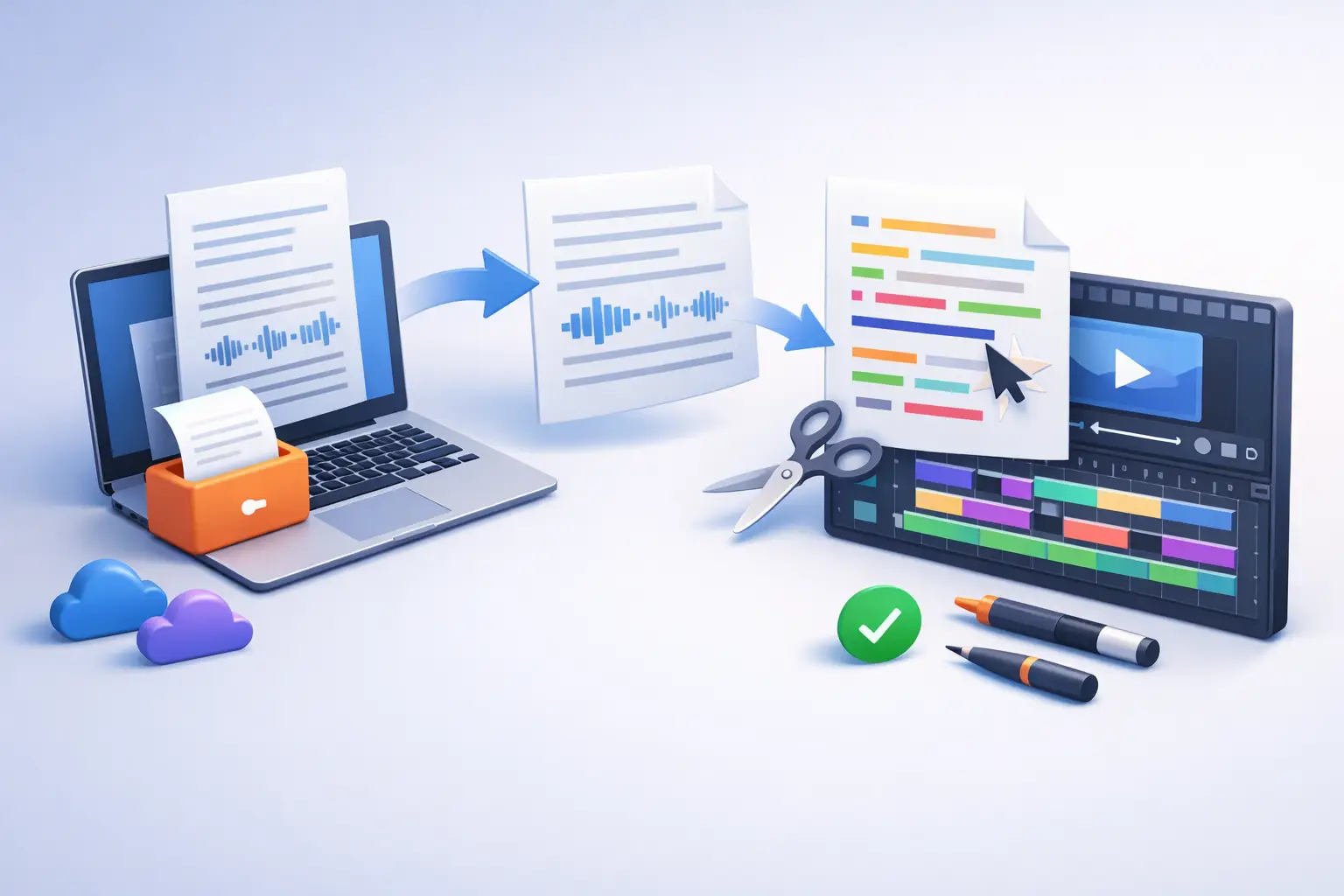
A transcript is only useful when you can do something with it. You need to export transcripts for editing when a lecture becomes study notes, an interview becomes a story, or a rough voice memo becomes a draft. The fastest transcription workflow does not end when the words appear on screen. It ends when those words are in the right file, ready for the next task.
For most people, that means choosing between TXT and DOCX. Both are simple formats. Both travel well. But they serve different editing jobs. Pick the right one early, and you avoid reformatting, copying text between apps, or trying to clean up a document that was never built for the way you work.
Why export format changes the editing process
Raw transcription captures speech, not finished writing. Speakers restart sentences. Interviews contain pauses and side comments. Meetings jump between topics. Even a clear recording can include names, acronyms, timestamps, or terms that need a second look.
Exporting gives that raw text a place to become usable. A good export should preserve readable paragraphs, open quickly in the editor you already use, and stay easy to share. There is no reason to trap a transcript inside a complicated workspace when the actual work happens in a document, an assignment, a script, or an article draft.
The best format depends on what comes next. TXT is built for speed and flexibility. DOCX is built for editing with structure. Neither is automatically better. The useful question is: what do you need to do with the transcript after you leave the transcription app?
Export transcripts for editing in TXT
A TXT file is plain text. It contains the words without fonts, tracked changes, complex styling, or layout rules. That simplicity is its advantage.
Choose TXT when you want to move fast. A student may export a lecture to plain text, paste key sections into a notes system, and turn them into flashcards. A podcast producer may send a TXT transcript to a script editor or search it for potential clips. A writer dictating an early draft may want the cleanest possible file before shaping the language in a preferred writing app.
TXT is also useful when your destination has strict formatting rules or accepts pasted text better than uploaded documents. Plain text avoids hidden styling that can create odd spacing, mismatched fonts, or broken formatting after a copy-and-paste.
The trade-off is simple: TXT does not carry document formatting. If you need headings, comments, tracked changes, tables, or a polished file to circulate, you will add that structure later. For quick review, search, summarizing, and moving text between tools, that is often exactly the point.
When TXT is the better choice
Use TXT when the transcript is an input, not the final document. It works well for voice notes, rough dictated drafts, searchable archives, caption preparation, research snippets, and content outlines. It is lightweight, dependable, and easy to open almost anywhere.
It also keeps the first editing pass focused on meaning. You can remove filler words, correct names, split long blocks into sections, and identify the useful parts before spending time on presentation.
Choose DOCX when the transcript needs collaboration
A DOCX export is the practical choice when the transcript will be edited as a document. It opens naturally in Microsoft Word and many compatible editors, making it easier to format, comment on, revise, and share.
Journalists often need this format for interviews. After export, they can verify quotes, flag unclear passages, add context, and send sections to an editor without rebuilding the file. Professionals can turn a meeting transcript into formal notes, action items, or a client recap. Students can use a DOCX lecture transcript to add headings, highlight definitions, and organize material before an exam.
DOCX is especially useful when more than one person needs to touch the text. Comments and tracked changes create a clear record of what changed and why. That matters when a transcript supports a published piece, a team decision, or a document someone else must approve.
The trade-off is that DOCX is more document-like. That is helpful for structured editing, but unnecessary if you only need a quick text capture. Do not choose a heavier format out of habit. Choose it because you need document tools.
A simple rule for TXT vs. DOCX
If you need to search, paste, sort, or process the words elsewhere, export TXT. If you need to edit, format, review, or share a working document, export DOCX.
You can also use both for the same recording. Keep a TXT copy as a lightweight source file, then work in DOCX when a transcript needs comments or formatting. This is useful for long interviews and recurring meetings, where having a clean original alongside an edited version prevents confusion later.
A faster transcript-to-edit workflow
The recording quality still matters. Clear audio produces cleaner text, which means less correction after export. If you are recording live speech, place the microphone close enough to capture the speaker, reduce background noise where possible, and avoid several people speaking at once. Small choices before transcription can save a surprising amount of editing time.
Once the transcript is ready, scan it before exporting. You are not trying to perfect every sentence inside the transcription screen. Look for obvious issues that affect the whole document: a wrong speaker name, a repeated phrase, a missed topic change, or an unclear term that appears several times. Fixing these early keeps the exported file cleaner.
Then choose the format based on the job. Export TXT for a fast handoff to your notes, writing, or research process. Export DOCX when you need a document that is ready for review. With To The Text, the path is direct: transcribe a file or capture live speech, review the text, and export in the format that fits the work ahead.
After export, edit in passes instead of trying to solve everything at once. First, correct factual errors and names. Next, remove verbal clutter such as repeated starts, unrelated tangents, and filler words when they do not matter. Last, shape the text for its final use. An interview transcript may need accurate speaker wording. A meeting transcript may need decisions and next steps. A dictated draft may need complete rewriting.
This approach is faster because each pass has one purpose. You do not waste time polishing a sentence before you know whether it belongs in the final document.
Keep the transcript useful after the first edit
Give exported files names that make them easy to find. Include the date, subject, and source when it helps, such as `2026-08-02-client-interview.docx` or `biology-lecture-cell-division.txt`. Vague file names create friction later, especially when you are handling several recordings in the same week.
For important work, keep the original recording with the exported transcript. If a quote, date, or technical term is in question, you can return to the audio instead of guessing. This is essential for journalism and research, but it is just as useful for meeting notes where a detail can affect a decision.
Do not treat the exported transcript as a final product by default. Treat it as a clean starting point. The right file format gets the words where they need to go. Your editing turns them into notes worth studying, a story worth publishing, or a decision people can act on.