Voice Dictation vs Transcription App
Voice dictation vs transcription app: learn which tool fits notes, meetings, interviews, lectures, and drafts so you can work faster with less cleanup.
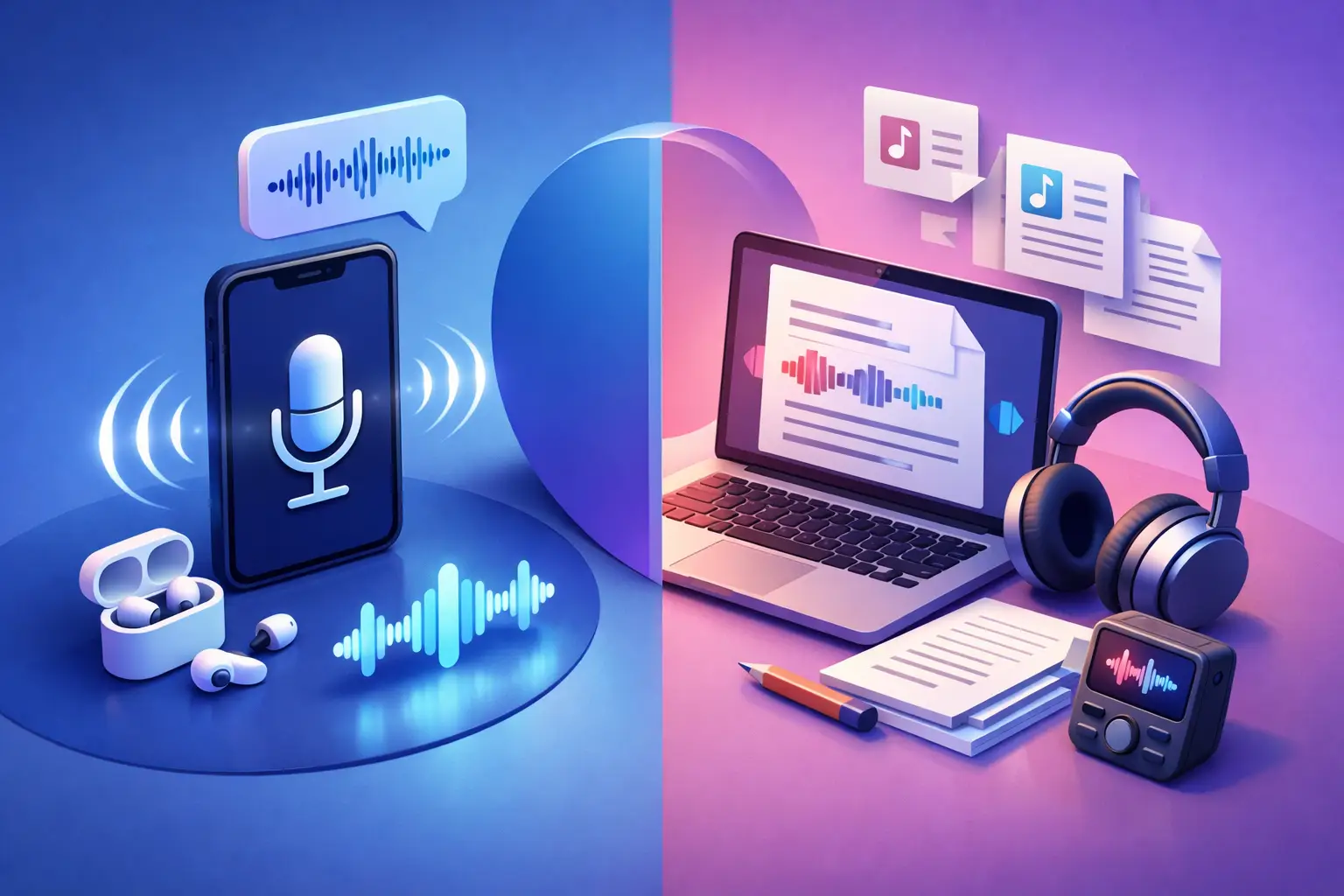
You can feel the difference in about 30 seconds. Start speaking into a dictation tool and it tries to keep up with your thoughts in real time. Drop an interview, lecture, or meeting recording into a transcription app and it turns spoken content into text after the fact. Both convert speech to words. That is where the similarity ends. If you are comparing voice dictation vs transcription app options, the right choice depends on what you are capturing, when you need the text, and how much cleanup you can tolerate.
For students, journalists, creators, and busy professionals, this is less about features and more about friction. Are you drafting as you think, or are you converting a recording you already have? Are you working alone, or dealing with multiple speakers, background noise, and long-form audio? Pick the wrong tool and the process gets messy fast.
Voice dictation vs transcription app: the core difference
Voice dictation is built for live input. You speak, and the text appears right away. It works best when one person is talking clearly and intentionally, usually to create something from scratch. Think emails, outlines, quick notes, or a rough first draft of an article.
A transcription app is built to turn existing speech into readable text. That speech might come from an uploaded audio file, a video, a recorded call, a lecture, or live speech captured through a microphone. The goal is not just to catch words as they happen. The goal is to produce a usable transcript you can review, edit, save, and share.
That difference matters because the workflow is different. Dictation is a writing tool. Transcription is a conversion tool.
When voice dictation makes more sense
If your main job is getting your own thoughts onto the page faster, dictation is usually the better fit. It removes typing from the process. That can be a huge win when you are brainstorming, drafting social captions, outlining a report, or taking quick personal notes while walking between meetings.
Dictation works well when the speaker controls the pace and wording. You can add punctuation by voice, pause to think, and correct yourself as you go. In the best case, it feels like speaking your draft into existence.
But there is a catch. Dictation expects you to speak like someone using dictation software. That means clearer sentence structure, deliberate pacing, and less overlap or interruption. Casual conversation does not always translate neatly. Neither does messy real-world audio.
This is why dictation can frustrate people who try to use it for interviews or class recordings. It was not designed for that kind of input. If the source is long, unstructured, or involves more than one speaker, the output usually needs more repair than expected.
When a transcription app is the better tool
A transcription app makes sense when the audio already exists or when you need a faithful written version of speech. That includes recorded interviews, podcast episodes, webinars, lectures, team meetings, voice notes, and client calls.
The value is simple. You stop replaying the same audio over and over. You stop pausing every few seconds to type what you just heard. You get editable text you can search, quote, summarize, and reuse.
For a student, that might mean turning a 50-minute lecture into study material. For a journalist, it might mean pulling exact quotes from an interview without spending an hour on manual transcription. For a content creator, it might mean repurposing a video into captions, show notes, or a blog draft. For a manager, it might mean converting a meeting recording into notes that can actually be shared.
In those cases, speed is only part of the appeal. Structure matters too. Clean paragraphs and export-ready text save time after the transcript is generated, not just during capture.
Accuracy is not the same in every situation
People often compare these tools as if one is simply more accurate than the other. That is too simplistic. Accuracy depends heavily on the job.
Dictation can be very accurate when one person speaks clearly into a mic in a quiet space. It struggles more when speech is spontaneous, rushed, or full of interruptions. If you are trying to dictate a polished email, that is usually fine. If you are trying to capture a noisy brainstorming session, not so much.
Transcription apps tend to be better suited to longer recordings and less controlled audio, but they also face trade-offs. Background noise, cross-talk, poor mic quality, and accents can all affect output. A strong transcription app helps by giving you text that is readable and editable fast, instead of making you fight through a wall of unformatted words.
That is the practical standard most users care about. Not perfect text on the first pass. Usable text with minimal cleanup.
Voice dictation vs transcription app for real work
The easiest way to choose is to match the tool to the task.
If you are writing your own content in the moment, dictation is often faster. A writer can speak a rough introduction. A founder can dictate a follow-up email. A busy professional can capture action items before they forget them.
If you are converting spoken material into a record, a transcript, or editable notes, use a transcription app. That applies to a recorded Zoom call, a college lecture, a podcast interview, or a voice memo you want to turn into something organized.
There is also a middle ground. Some users need both. A creator might dictate ideas live, then use transcription for recorded interviews. A student might use live speech capture for study notes, then upload class recordings later. The overlap is real, but the use case still decides the best tool.
What most users actually need
Most people are not looking for a giant productivity platform. They are looking for one clean outcome: spoken content turned into text without wasting time.
That is why simple transcription tools stand out. You open the app, choose the source, convert the speech, and export the result. No heavy setup. No extra modules you will never use. Just text you can work with.
For users who deal with audio often, that focus matters more than a long feature list. The app should not make the process feel bigger than it is. It should shorten the path from recording to readable document.
A focused tool like To The Text fits that kind of workflow well. It handles uploaded audio, video, and live speech without turning the experience into a project. For users who want fast conversion and clean output, that simplicity is the feature.
The hidden cost of choosing the wrong tool
The biggest problem with using dictation when you really need transcription is cleanup. You may save a few minutes at the start, then lose far more time fixing gaps, formatting text, or replaying missed sections.
The opposite mistake is using transcription when you really just want to draft a few thoughts quickly. In that case, you may add unnecessary steps by recording, saving, and processing speech that could have been dictated directly.
This is why the choice should start with the source material. Are you speaking to compose, or are you capturing speech to document it? That answer usually gives you the right tool immediately.
How to decide fast
Ask yourself three questions.
First, is the speech live and intentional, or already recorded? If it is already recorded, a transcription app is usually the clear answer.
Second, is there one speaker or several? Dictation favors one clear speaker. Transcription is more realistic for interviews, meetings, and classroom audio.
Third, what do you need at the end: a rough draft or a dependable transcript? Dictation is great for first drafts. Transcription is better when the text needs to reflect what was actually said.
That is the cleanest way to think about voice dictation vs transcription app choices. Not as competing versions of the same product, but as tools built for different moments.
If your day is full of lectures, interviews, meetings, recordings, or voice notes, transcription will usually save more time. If your goal is to think out loud and get words on the page, dictation still has a strong place.
The smart move is not picking the more advanced option. It is picking the one that removes the most friction from the task in front of you. When the tool fits the job, the text gets done faster and the rest of your work moves with it.