Transcription App vs Note Taking Compared
Transcription app vs note taking: compare speed, focus, accuracy, and control to choose the right method for lectures, meetings, interviews, and drafts.
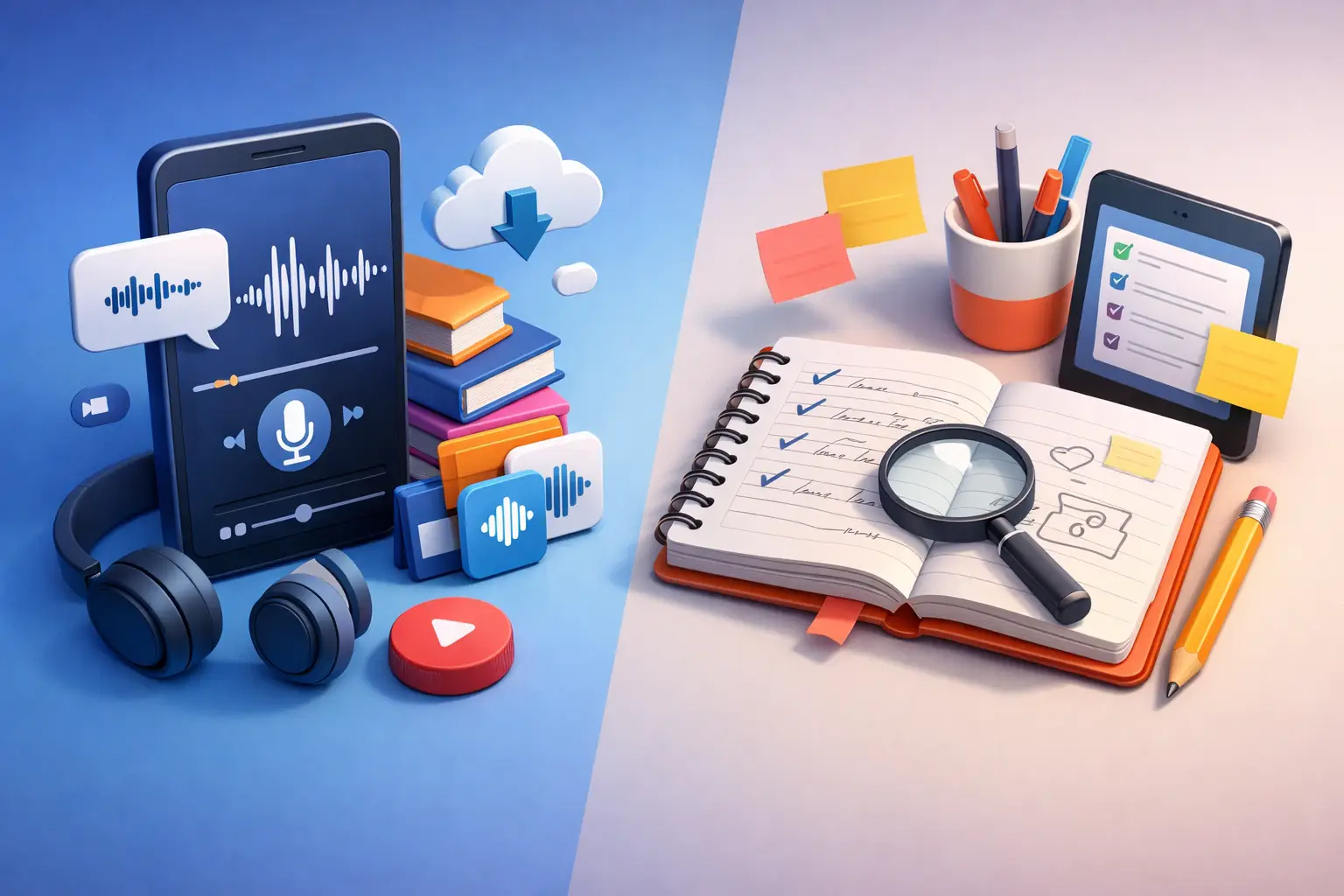
A 45-minute lecture can leave you with three pages of rushed notes, missing quotes, half-finished ideas, and no clear record of what the speaker actually said. That is where the transcription app vs note taking decision becomes practical, not theoretical. One method captures the full record. The other helps you process it in real time.
Neither is always better. The right choice depends on what you need when the conversation ends: a searchable source, a short action list, a publishable quote, or a clearer understanding of the material.
Transcription App vs Note Taking: The Core Difference
Traditional note taking is selective. You listen, decide what matters, and write a shortened version in your own words. That makes notes useful for thinking, studying, and prioritizing. But it also means you lose detail the moment you decide not to write it down.
A transcription app creates a written record from spoken audio, video, or live speech. Instead of choosing every line as it happens, you capture the conversation first and work with the text afterward. You can review the wording, find a specific point, pull a quote, or turn the transcript into notes when you have more time and context.
The distinction is simple: note taking is interpretation during the moment. Transcription is capture for later use.
That difference matters when information moves fast. An interview subject may phrase a key answer once. A professor may explain an exam topic while changing slides. A client may give a deadline in the middle of a long discussion. If you are writing notes, you have to keep up while also listening. If you are recording and transcribing, you can stay present, then return to the details.
When a Transcription App Is the Better Tool
Use transcription when completeness matters more than immediate summarization. This is especially useful for lectures, interviews, recorded meetings, podcasts, voice notes, calls, and dictated drafts.
For a student, a transcript can preserve the explanation behind a formula or concept, not just the final definition. You can later turn that material into a study guide based on what your instructor emphasized. For a journalist, it protects exact language and reduces the risk of misquoting a source. For a content creator, it turns a long recording into editable raw material for captions, articles, scripts, clips, and show notes.
Working professionals get a similar advantage in meetings. A transcript gives you a reference point when priorities change, tasks are reassigned, or someone asks, “What did we agree on?” It is not a replacement for a clean action list. It is the source that makes the action list easier to trust.
Transcription is also the better choice when you need to reuse spoken content. A dictated idea can become a draft. A recorded customer call can become feedback themes. A webinar can become a blog outline. Manual notes usually capture conclusions. Transcripts preserve material you can reshape.
A focused app such as To The Text keeps that workflow simple: choose a file or capture speech, turn it into editable text, then export it when you are ready to edit or share. No need to build a workspace around a task that starts with one goal: get the words into text.
When Note Taking Still Wins
Notes are better when the value is in your judgment, not the full record. If you are planning a project, reviewing a short briefing, or sitting in a meeting where only next steps matter, writing a few focused notes may be faster than producing a transcript and reviewing it later.
The act of taking notes can also improve retention. Putting a concept into your own words forces you to process it. Students often learn more from a concise, well-organized set of notes than from rereading a complete lecture transcript. The transcript captures the source. Your notes build the understanding.
There is a practical issue, too: transcription creates more text than most people need. A one-hour meeting may produce thousands of words. Without a reason to search, edit, or reuse that material, the complete record can become another file you never open.
Note taking is usually the smarter choice when all three conditions are true: the conversation is short, the stakes are low, and you only need a few decisions or reminders. Writing “Send revised budget Friday” is quicker than transcribing a five-minute check-in.
Speed Is Not Just About Typing
At first glance, note taking seems faster because the finished output is shorter. But the total time matters more than the time spent during the conversation.
Manual notes often create hidden follow-up work. You may need to replay audio because a sentence was unclear. You may need to ask someone to repeat a number or date. You may have to reconstruct context from fragments before writing a report. Those minutes add up, especially when the recording contains quotes, technical explanations, or multiple speakers.
Transcription shifts the work. You spend less effort capturing words live and more effort reviewing, cleaning up, and extracting what matters. That is usually faster for long-form or detail-heavy audio. It may be slower for a brief meeting where you only need two action items.
The real question is not, “Which is faster?” Ask, “Will I need this exact information again?” If the answer is yes, a transcript often saves time later.
Accuracy, Attention, and the Cost of Missing Context
No system removes the need for judgment. Audio quality, accents, industry terms, overlapping speakers, and background noise can affect an automatic transcript. Important names, figures, and quotations should always be checked against the recording before you publish, submit, or act on them.
Manual notes have a different accuracy problem: they are incomplete by design. You may write a correct sentence but miss the qualification that changed its meaning. A manager might say a deadline is “likely Friday, pending approval.” Notes written in a rush can easily become “Deadline Friday.”
A transcript gives you the surrounding context. That can prevent small omissions from becoming bad decisions. It also lets you listen with more attention. Instead of splitting your focus between the speaker and your keyboard, you can ask a better follow-up question or notice what needs clarification.
That is a major advantage for interviews and client conversations. Presence is part of good listening. If your process pulls your attention away from the speaker, it can weaken the conversation itself.
The Best Workflow Is Often Both
The strongest approach is rarely transcription instead of note taking. It is transcription first, notes second.
Record the lecture, meeting, or interview. Create an editable transcript. Then turn that text into a short set of decisions, themes, questions, or study points. Your notes become cleaner because you are not trying to capture everything under pressure. Your transcript remains available when you need proof, context, or a forgotten detail.
For students, that might mean highlighting the transcript after class and writing a one-page review sheet. For journalists, it means marking strong quotes and building an outline from the full interview. For teams, it means using the transcript as backup while sharing a short, readable recap with owners and deadlines.
This workflow also gives you a useful separation between capture and thinking. Capture should be fast. Thinking should be deliberate. Trying to do both at once is where people lose details and leave conversations with messy notes.
How to Choose for Your Next Recording
Choose a transcription app when the words themselves matter, when the source is longer than a few minutes, or when you expect to search, quote, edit, share, or revisit the material. It is the practical option for information you cannot afford to lose.
Choose manual notes when you need a short personal summary and the original wording does not matter. It is ideal for quick planning, simple status updates, and situations where the result is a handful of actions.
Use both when you need a reliable record and a clear takeaway. This is the default for high-stakes meetings, research interviews, demanding classes, and content work.
Your goal is not to collect more text. It is to keep the right information available without slowing down the conversation. Capture what must be preserved, then write notes that help you move.