How to Transcribe Lectures Fast Without Missing Details
Learn how to transcribe lectures fast with a simple workflow: capture clear audio, turn recordings into editable text, then review only what matters now.
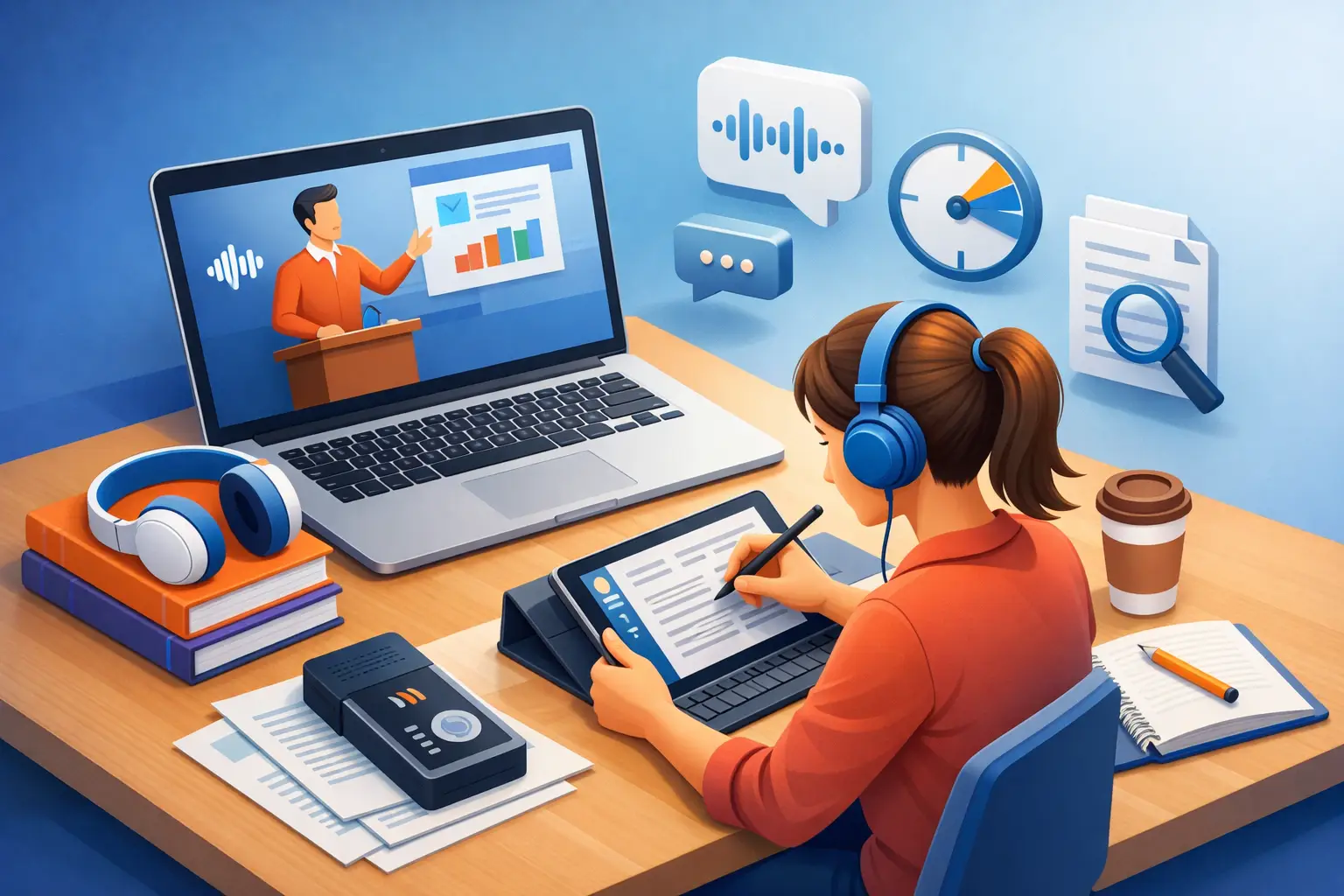
A 60-minute lecture can take three hours to type by hand. That is time you could spend reviewing the material, building a study guide, or starting the assignment. If you are figuring out how to transcribe lectures fast, the answer is not typing faster. It is building a cleaner path from recording to usable notes.
The goal is not a perfect word-for-word document every time. The goal is searchable, editable text that helps you find definitions, arguments, examples, and assignment details when you need them.
Start With Audio You Can Actually Use
Fast transcription begins before the lecture starts. A transcription tool can work quickly, but unclear audio creates more cleanup later. Put your phone close enough to the speaker to capture their voice, and keep it away from keyboard clicks, paper shuffling, and side conversations.
In a large lecture hall, sitting near the front is usually worth it. If the instructor moves around, place your phone on the desk rather than in a pocket or bag. A covered microphone can make even a clear speaker sound distant.
You do not need studio-quality sound. You need speech that is consistently audible. The difference matters most when the professor uses technical terms, names, formulas, or unfamiliar vocabulary. Those are the details you do not want to guess at during review.
Check your storage and battery before class. Running out of either halfway through a lecture creates the one problem no transcription workflow can fix: missing source material.
Choose Live Capture or a Recording
There are two practical ways to handle a lecture. You can transcribe live as the professor speaks, or record first and convert the file afterward.
Live capture is useful when you need text immediately. Maybe you are attending a guest lecture, covering a training session at work, or collecting notes for a group project. Seeing text appear as speech happens can also help you mark key moments while the lecture is still in progress.
Recording first is often the better choice for students. It lets you focus on listening instead of watching a screen, and you can upload the audio when class ends. This also gives you a backup recording if the room has weak Wi-Fi or the speaker talks too quickly to follow in real time.
The right choice depends on the situation. For a lecture you will study later, record first. For a session where you need an immediate written record, use live transcription. Either way, avoid switching between methods halfway through unless something goes wrong. A simple workflow is faster because there is less to manage.
How to Transcribe Lectures Fast With a Simple Workflow
Once the lecture is recorded, move it into a transcription app as soon as you can. Do not let a week of files pile up. A folder full of unnamed recordings turns a five-minute task into a frustrating search.
Give each file a useful name before or after upload: course, date, and topic are enough. For example, “Psych 101 - Sept. 14 - Memory.” This makes your transcript easy to locate before an exam, when every minute suddenly matters.
Then follow a short process:
- Upload the lecture audio or video, or start live microphone capture.
- Let the speech convert into editable text.
- Read the transcript once while the lecture is still fresh.
- Correct only the errors that affect meaning.
- Export the finished text in the format you need.
That last step is where speed becomes useful. A TXT file is great for quick notes, search, and plain-text storage. A DOCX file is better when you need headings, comments, formatting, or a document to share with classmates. To The Text keeps this process focused: bring in a file or capture speech, get editable text, and export it without sorting through an oversized workspace.
Do Not Edit Every Word
The biggest time trap is treating every lecture transcript like a published article. Most students do not need that. They need notes they can trust.
First, scan for errors in the parts that carry academic weight: key terms, dates, formulas, people, book titles, assignment instructions, and anything the instructor repeats. If a professor says, “This will be on the exam,” make that line accurate and easy to spot.
Second, clean up obvious formatting. Break one long block of text into paragraphs. Add a heading when the lecture changes topics. Put a short label before an example, case study, or definition. These small edits make a transcript much easier to revisit than a wall of words.
Leave harmless imperfections alone. If the app hears “the” instead of “a,” it rarely changes your understanding. Spending ten minutes correcting small filler-word mistakes is not efficient. Save that effort for a quote you plan to use in a paper, an accessibility accommodation, a legal or compliance record, or any transcript that must be close to verbatim.
Use the Transcript to Make Better Notes
A transcript is the raw material. Your study notes are the finished product. Keeping those jobs separate helps you move faster.
After the first review, pull out the pieces that deserve a shorter summary. Write a few lines on the main claim, the evidence used to support it, and the concepts you still need to understand. If the professor explains a process, turn that section into a simple sequence. If they compare two theories, create a quick side-by-side note.
Search is one of the best reasons to transcribe lectures. Instead of scrubbing through an hour of audio to find a single explanation, search the term in the text. You can return to the exact section, check the surrounding context, and listen again only if needed.
This approach also works for missed classes. Ask a classmate for the recording when appropriate, transcribe it, and use the text to identify what you need to catch up on. It is faster than trying to reconstruct an entire lecture from slides alone.
Handle Difficult Lectures Differently
Some lectures need a little more care. A professor who speaks quickly, uses several languages, teaches from complex equations, or takes questions from the room will produce a less tidy first draft. That does not mean transcription is not worth using. It means your review should be more targeted.
For technical classes, keep the lecture slides or textbook open beside the transcript. Use them to confirm specialized vocabulary and symbols. For discussion-heavy classes, add speaker labels only where they clarify the point. You do not need to identify every student who asks a question unless that distinction matters.
If the recording includes a lot of room noise, listen to the unclear sections at a slower playback speed while editing the text. Do not replay the entire lecture. Review the gaps, fix the important lines, and move on.
Build a Routine You Will Keep
The best transcription system is one you can repeat after every class. Record. Transcribe. Review key terms. Export. Make a short study summary. Done.
Try to complete the first pass on the same day as the lecture. Your memory fills in context that the recording cannot capture: the slide the instructor pointed to, the example the class laughed at, or the topic they emphasized before moving on. A fast transcript plus fresh memory is far more useful than a perfect transcript created two weeks later.
Keep your files organized by course and week, with the transcript stored next to slides and reading notes. When finals arrive, you will have a searchable record of the semester instead of a stack of half-finished notes.
A lecture moves once. Your transcript lets you return to it on your terms. Capture it clearly, clean up what matters, and turn the spoken material into something you can use before the next class begins.